The Static-Site Stack Behind This Blog: Publii, S3, and CloudFront

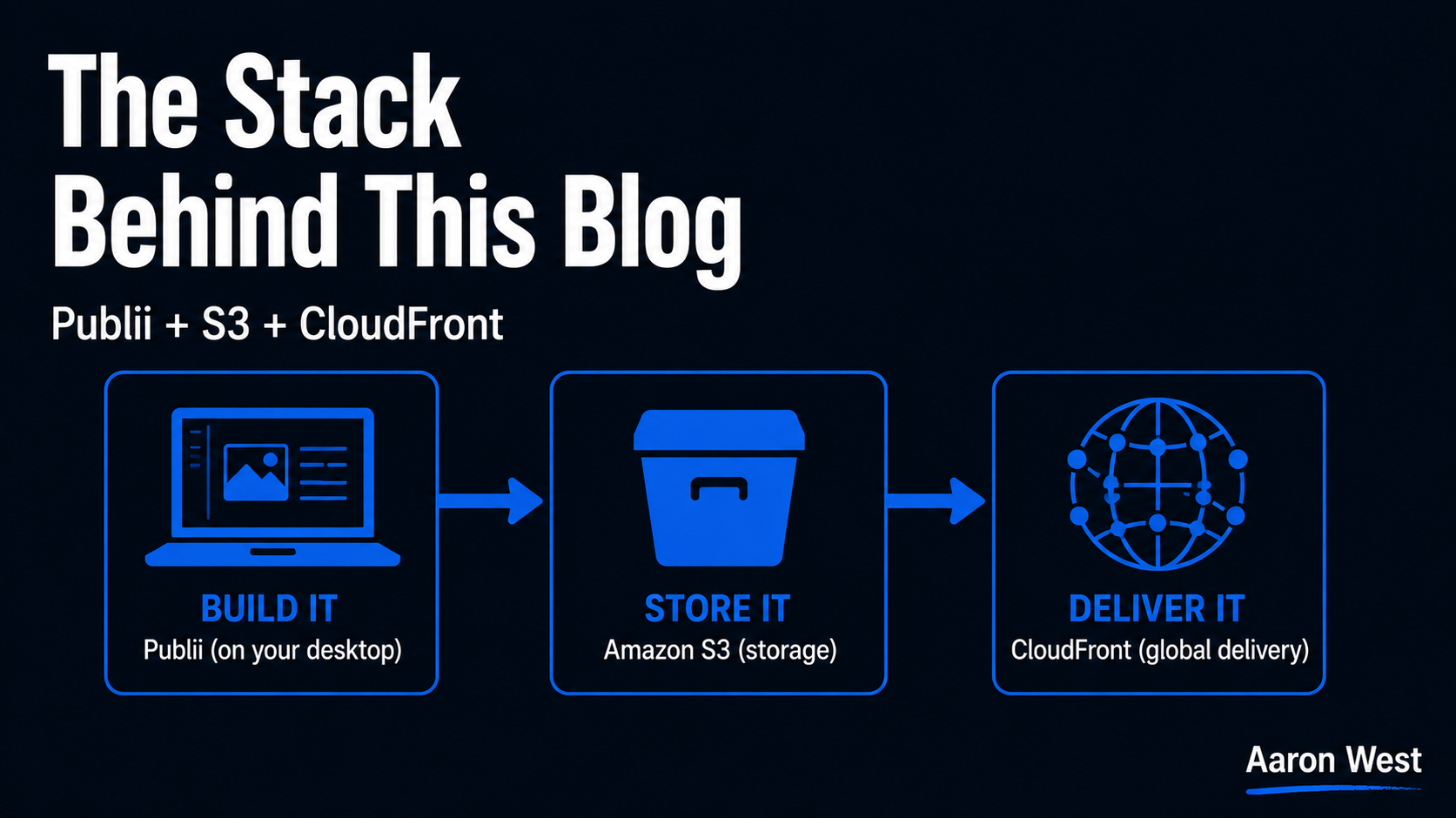
Table of Contents
This blog has no database, no web server running around the clock, and nothing on it that can really be "hacked" in the usual sense. It is a set of plain HTML files, built on my own laptop, stored in AWS, and delivered fast to you wherever you are. The whole stack is three pieces: Publii to build the site, S3 to store it, and CloudFront to deliver it. It is fast, it is secure, it costs very little to run, and I maintain it myself without being an engineer. This is the full explanation of how, and why I would recommend the same shape to a lot of people running content-led sites.
I write about this not because the stack is clever, it is deliberately the opposite of clever, but because it is a working example of a principle I keep coming back to: the right setup is usually the simplest one that does the job. A blog does not need the heavy dynamic machinery most blogs run on. Once I understood that, the whole thing got faster, safer, and cheaper at the same time, which almost never happens in technology. Here is each piece, how they fit, and the honest trade-offs.
Static vs dynamic: the choice underneath everything
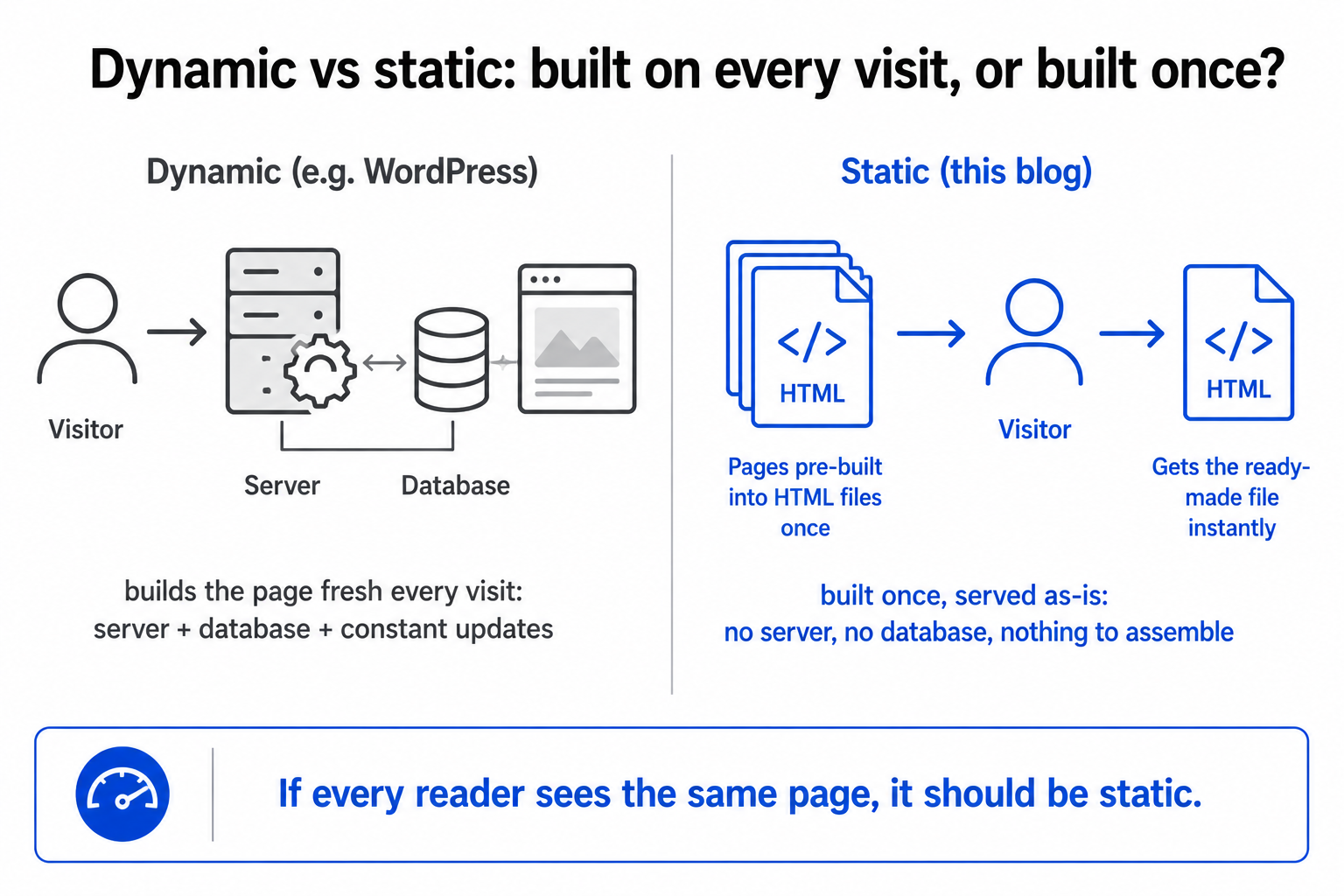
Before the three tools, the one concept that makes the rest make sense. There are two fundamentally different ways a website can work, and choosing the right one is the decision that determines everything else.
A dynamic site (the model behind WordPress and most blogs) builds each page fresh, on the fly, every time someone visits. A visitor arrives, a server runs code, queries a database, assembles the page on the spot, and sends it back. Powerful and flexible, and the cost is a server, a database, and a constant stream of software updates and security patches to keep it all safe and running.
A static site is the opposite. The pages are built once, in advance, into plain HTML files, and then those finished files are simply served to every visitor as-is. No server assembling anything on the fly, no database, no code running when someone visits. Just pre-built files being handed over. The trade-off is real and worth stating plainly: a static site is less suited to things that must change per-visitor or update instantly, like user logins or live comments. But for content that is the same for everyone, a blog, a catalogue, a marketing site, the static approach wins on the three things that matter most: speed, security, and cost. It is the same "match the tool to the actual job" discipline I apply to automation and to AWS in general. A blog is the same for every reader, so it should be static. That single decision is what makes the rest of this stack possible.
Piece 1: Publii builds the site (on my laptop)
Publii is a free, open-source desktop application that builds a static website. This is the part people find surprising: it is not a website you log into, it is a program that runs on my own computer (Windows, Mac, or Linux), like any other desktop app. I write posts, manage pages, choose a theme, and preview the entire site locally, all offline, with nothing live on the internet yet. My content sits on my own machine until I decide to publish.
What it gives you is the familiar, comfortable experience of a visual editor, the WordPress-like part people actually want, without the dynamic baggage. You get the nice writing-and-editing interface; you do not get the database, the server, or the endless plugin updates. When I am happy with a post, Publii takes everything I have written and generates it into a set of finished static HTML files, the actual website, ready to be served. It also quietly does performance work along the way, like compressing assets and converting images to efficient modern formats, which is the image-speed problem handled at the build step rather than left to chance. Then, with effectively one click, it pushes those files straight to where they live: S3.
Piece 2: S3 stores the finished site
Once Publii has built the files, they need a home, and that home is S3, Amazon's file storage, which I have described across this cluster. Publii uploads the generated site directly into an S3 bucket. That is now the single authoritative copy of the website, sitting in cheap, durable, reliable cloud storage.
There is no server here. That is the point, and it is worth pausing on, because it is the thing that makes a static site so secure. With a dynamic site, there is a server running code and a database, and both are things an attacker can probe, exploit, or overwhelm. With my setup, there is nothing of the sort to attack. There is no application code executing on a visit and no database to breach. A static HTML file simply cannot be hacked in the way a dynamic site can, because there is nothing running to subvert. This eliminates entire categories of security problem that dynamic-site owners spend real effort defending against, and it is a large part of why I sleep well never having applied a security patch to this blog. The files just sit in S3, and S3's job is to hold them safely. The delivery, though, is the third piece.
Piece 3: CloudFront delivers it fast and secure
S3 holds the files, but as I covered in S3 and CloudFront for e-commerce, serving straight from S3 alone is slow for distant visitors and does not give you HTTPS on your own domain. So CloudFront sits in front: it caches copies of the site at edge locations around the world and serves each reader from the one nearest them, and it provides the secure HTTPS padlock for free. That is why this blog loads quickly whether you are in Berlin or Buenos Aires, and why it shows the secure-connection padlock without my paying for a certificate.
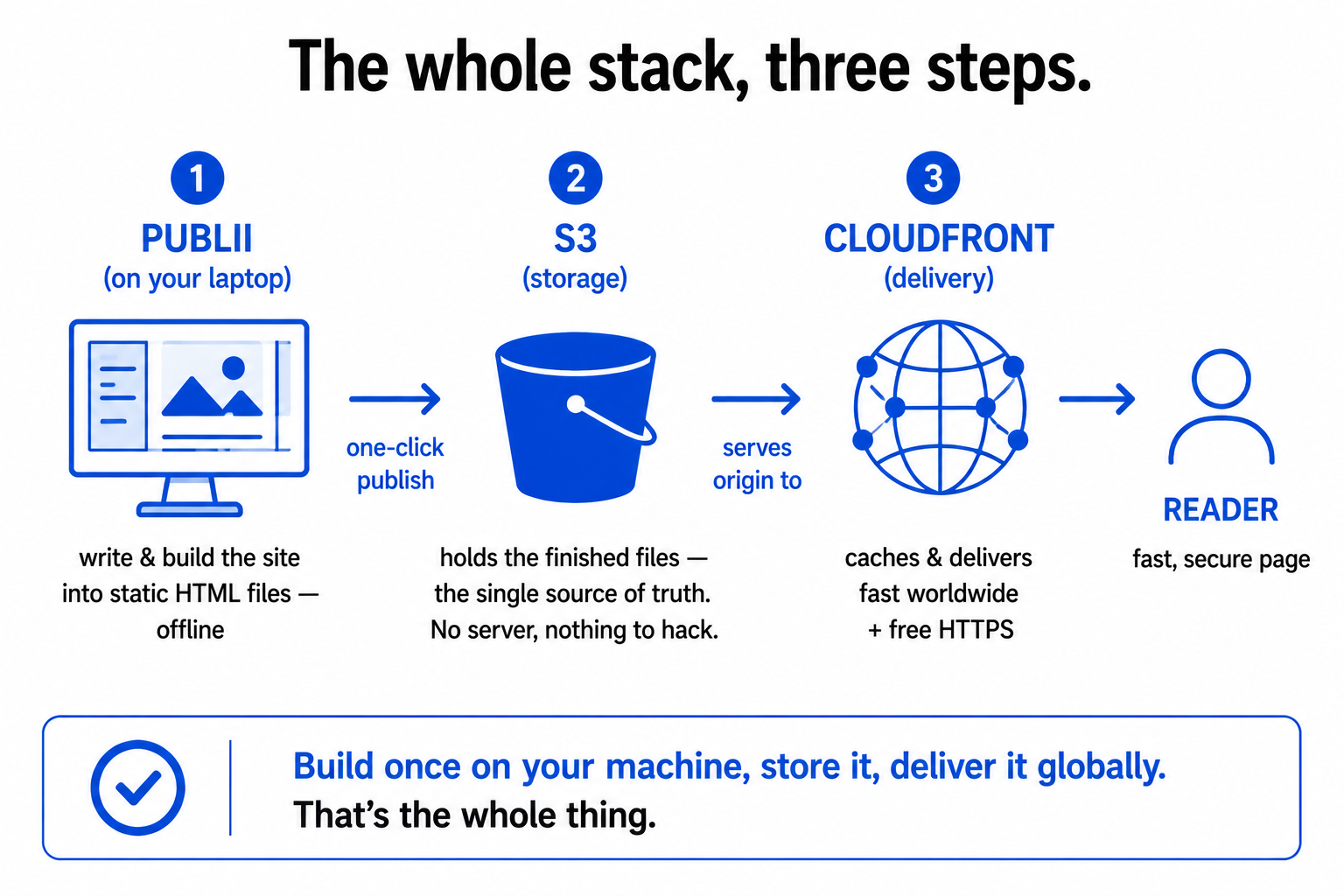
So the full flow, end to end: I write and build in Publii on my laptop, one click pushes the finished files to S3, and CloudFront delivers them fast and securely to readers everywhere. Three pieces, each doing one job, no always-on server anywhere in the chain. The result is a site that is genuinely fast, effectively immune to the common attacks, and cheap enough that hosting costs are a rounding error rather than a monthly worry.
The honest trade-offs
I would be breaking my own rules if I pretended this stack is right for everything, so here are the real downsides, because they are exactly what tells you whether it fits your situation.
First, changes require a rebuild and redeploy. Because the pages are pre-built, updating content is not instant the way it is on a dynamic CMS. I edit in Publii, rebuild, and re-push. For a blog publishing a couple of times a week, that is a non-issue. For a high-frequency news site updating constantly, it would be friction. Second, dynamic features need workarounds. Anything that must differ per-visitor or update live, user accounts, native comments, a real-time inventory feed, is not what a pure static site does, and bolting those on means adding external services. For a content blog, I do not need any of them. Third, and this is a genuine one in my workflow, it is desktop-bound. Publii runs on my computer, so I cannot dash off an edit from my phone. My content and workflow live on my machine, which I happen to like for control and privacy, but it is a real constraint worth knowing.
Notice that none of those downsides touch a content-led site's core job. They are the price of the model, and for a blog the price is close to zero while the benefits, speed, security, near-zero cost, full ownership of my platform and data, are exactly what I want. That is the whole logic of choosing a stack: not "what is the most capable option," but "what fits the actual job with the fewest downsides that matter to me."
So that is the machine behind these words. Publii builds the site on my laptop, S3 stores the finished files, CloudFront delivers them fast and secure across the world, and there is no server or database anywhere to slow it down, run up a bill, or get attacked. It is not impressive technology. It is appropriate technology, the simplest thing that does the job well, and that is precisely why I chose it and why I would point anyone running a content site toward the same idea. The best infrastructure is the kind you almost never have to think about, and this is mine.
A few common questions
What is the stack behind this blog? Three pieces: Publii (a free desktop app that builds the site into static HTML files on my own computer), Amazon S3 (which stores the finished files), and Amazon CloudFront (which delivers them fast worldwide and provides free HTTPS). There is no database and no always-on web server anywhere in the chain.
Why use a static site instead of WordPress for a blog? For content that's the same for every visitor, a static site wins on speed, security, and cost. There's no server building pages on the fly and no database, which makes it faster, far harder to hack (nothing is running to exploit), and very cheap to host. The trade-off is that changes require a rebuild and dynamic features need workarounds, which rarely matter for a blog.
What is Publii and do I need to code to use it? Publii is a free, open-source desktop application for building static websites with a visual, WordPress-like editor, no coding required. It runs offline on your computer, lets you write and preview locally, and publishes to hosts like Amazon S3 with roughly one click. It also handles performance touches like image optimisation at build time.
Is a static site really more secure? Largely, yes. A static site is just pre-built HTML files with no server-side code executing on a visit and no database to breach, so it removes entire categories of attack that dynamic sites must defend against. There's effectively nothing running to subvert, which is why static sites need far less security maintenance.
You should also read:
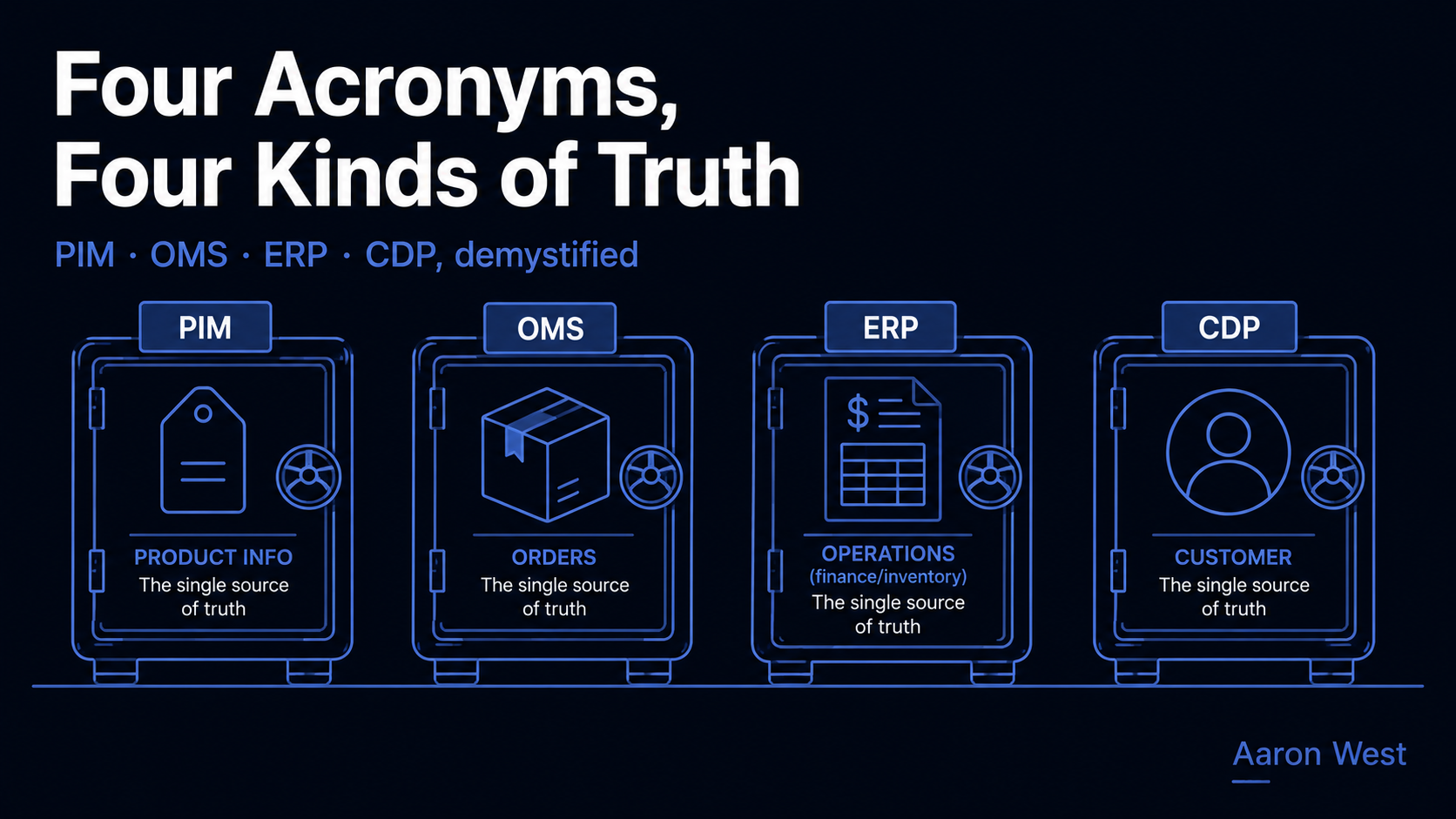
The E-Commerce Tech Stack, Explained for Non-Engineers: PIM, OMS, ERP, CDP
Behind every e-commerce store of any size sits a stack of systems with intimidating acronyms, PIM, OMS, ERP, CDP, and each one is far simpler than its name suggests. They are just the four places your business keeps its four kinds of truth: your product…
Continue reading...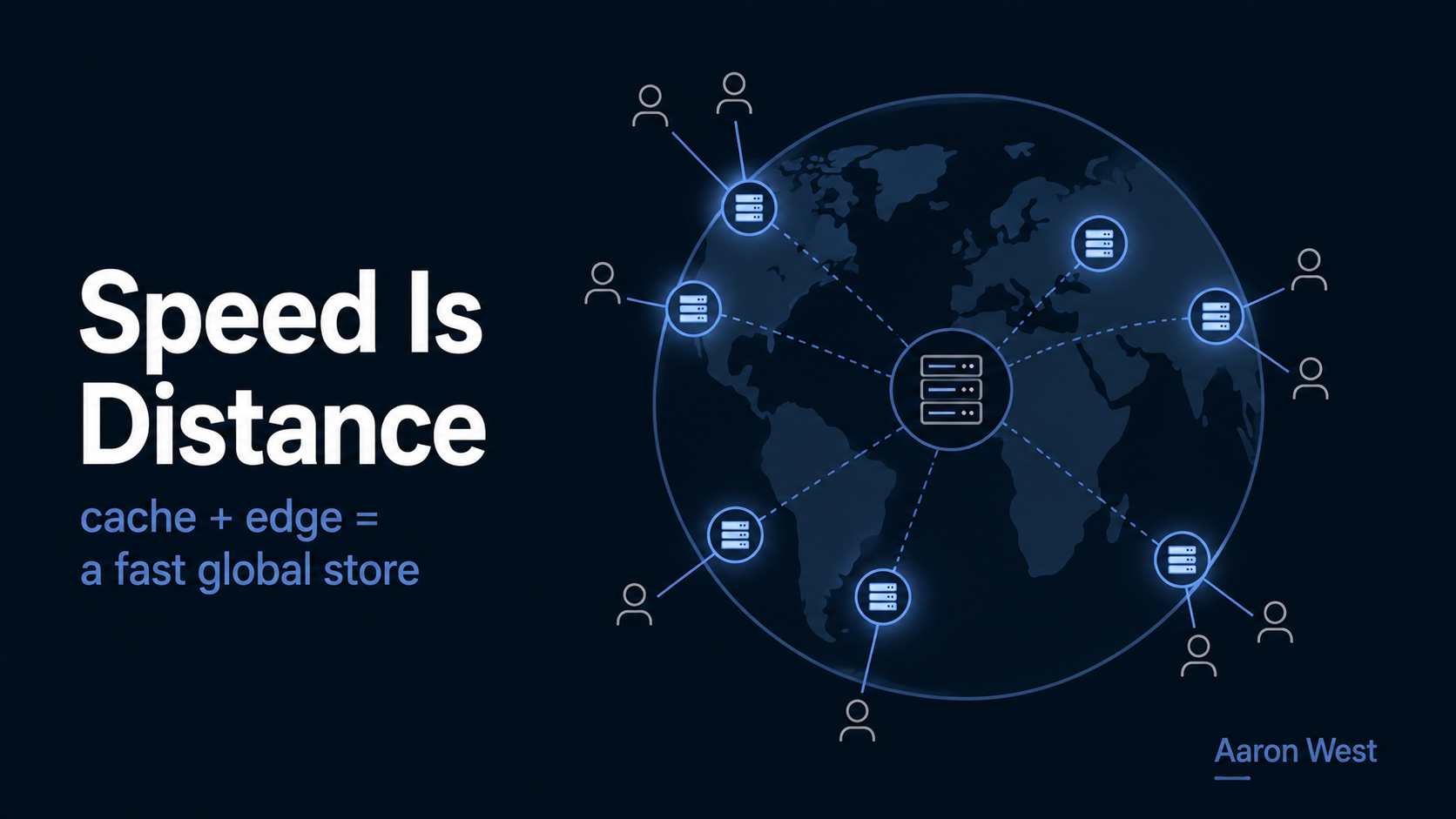
CDN, Edge, Cache: The Three Concepts Behind a Fast Global Store
A CDN (content delivery network) makes your store fast for everyone, everywhere, by keeping copies of your content on servers physically close to your customers, so the data travels a short distance instead of crossing the planet. The three ideas behind it, the cache, the…
Continue reading...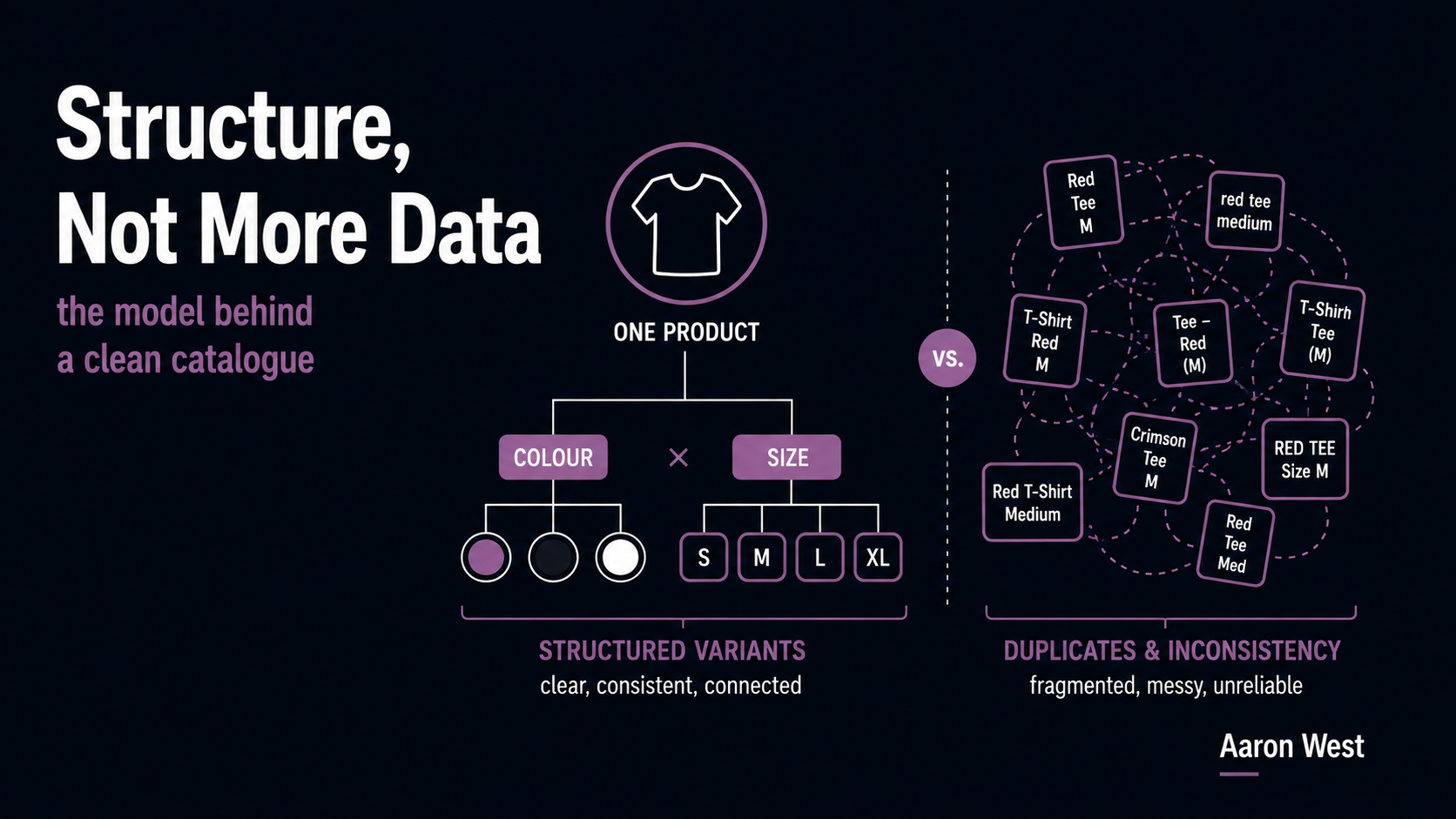
Variants, Attributes, and the Data Model Behind a Clean Catalog
The data model, how you structure products, their variants, and their attributes, is what decides whether your catalog is clean or quietly broken. Two distinctions matter most: a product versus its variants (one t-shirt design versus that design in red, size M), and structured attributes…
Continue reading...