The E-Commerce Manager's Guide to AWS Without an Engineering Degree

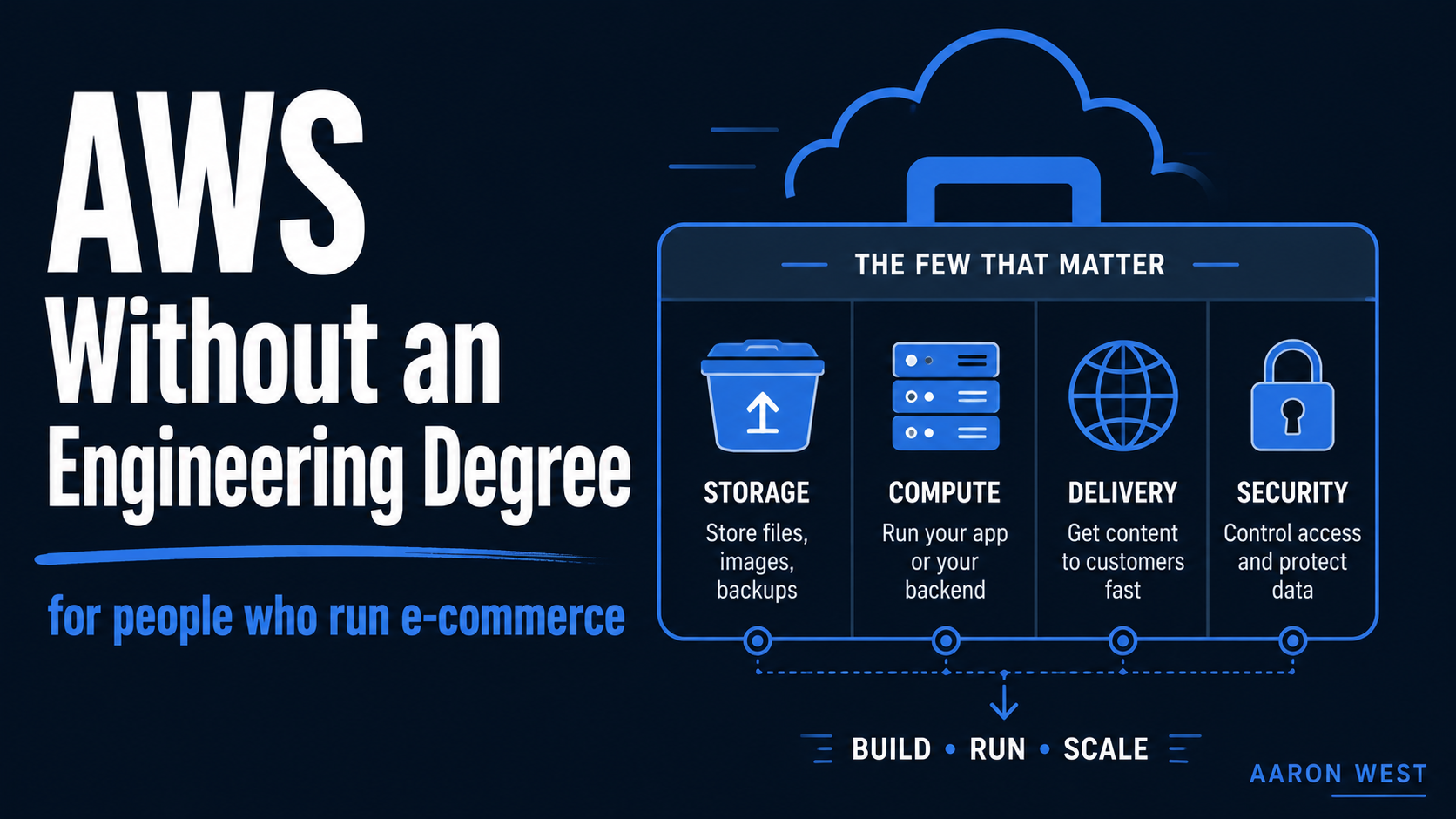
Table of Contents
You do not need to understand all of AWS. You need to understand maybe six services and one mental model, and that is enough to make good decisions, ask the right questions, and stop nodding along blankly when your developers or a vendor start talking about the cloud. AWS offers over 200 services, and that number is exactly what makes it so intimidating to a non-engineer. The secret nobody says out loud is that almost nobody uses more than a small handful, and the handful that matter for running e-commerce are genuinely understandable in plain language.
I say this as someone who is not an engineer by training and who runs real infrastructure on AWS anyway, the very blog you are reading is a static site hosted on AWS, which I set up and maintain myself. That experience taught me the thing the documentation never tells you: the hard part is not the technology, it is the jargon and the sheer size of the menu. Cut through those and the core ideas are things any capable e-commerce manager can hold in their head. So here is the version I wish someone had handed me: what AWS actually is, the services that matter to you, and the mental model that ties them together.
What AWS actually is, in one honest paragraph
AWS (Amazon Web Services) is Amazon renting you computing resources, servers, storage, databases, networking, instead of you buying and running your own. That is the whole concept. Before cloud platforms, if you wanted to run a website or an application, you bought physical servers, put them somewhere, and maintained them. The cloud replaced that with renting capacity from Amazon's enormous global infrastructure, paying only for what you use, and scaling up or down on demand. You get the reliability and scale of Amazon's data centres without owning a single machine.
Everything else is detail. The 200-plus services are just different kinds of rentable resource, storage you rent, computing power you rent, databases you rent, each tuned for a particular job. When you understand it as a giant menu of rentable infrastructure rather than a mysterious monolith called "the cloud," it stops being intimidating and starts being a toolbox. The only real skill is knowing which few tools you need, which is what the rest of this is about.
The pricing idea that explains everything: pay for what you use
Before the services, one idea that shapes all of them, because it is the thing that genuinely differs from the old world and the thing that surprises people on their first bill. AWS is pay-as-you-go. You are not buying a product for a fixed monthly fee. You are renting resources by the unit, by the gigabyte stored, by the hour of server time, by the million requests, and the bill is the sum of all that usage.
This is mostly wonderful and occasionally a trap. Wonderful, because a small project can cost a few euros a month and you never pay for capacity you are not using. A trap, because costs are usage-based, so a misconfigured service or a sudden traffic spike can run up a bill in ways a fixed subscription never would. The practical takeaway for a non-engineer is simple: AWS rewards understanding what you are running and why, and it quietly punishes "set it up and never look at it again." Billing alerts are not optional. Knowing roughly what each service costs to run is part of using it responsibly, and it is a big reason the mental model below matters, because the cheapest architecture is usually the one that uses the right service for the job rather than the most powerful one.
The six services that actually matter to you
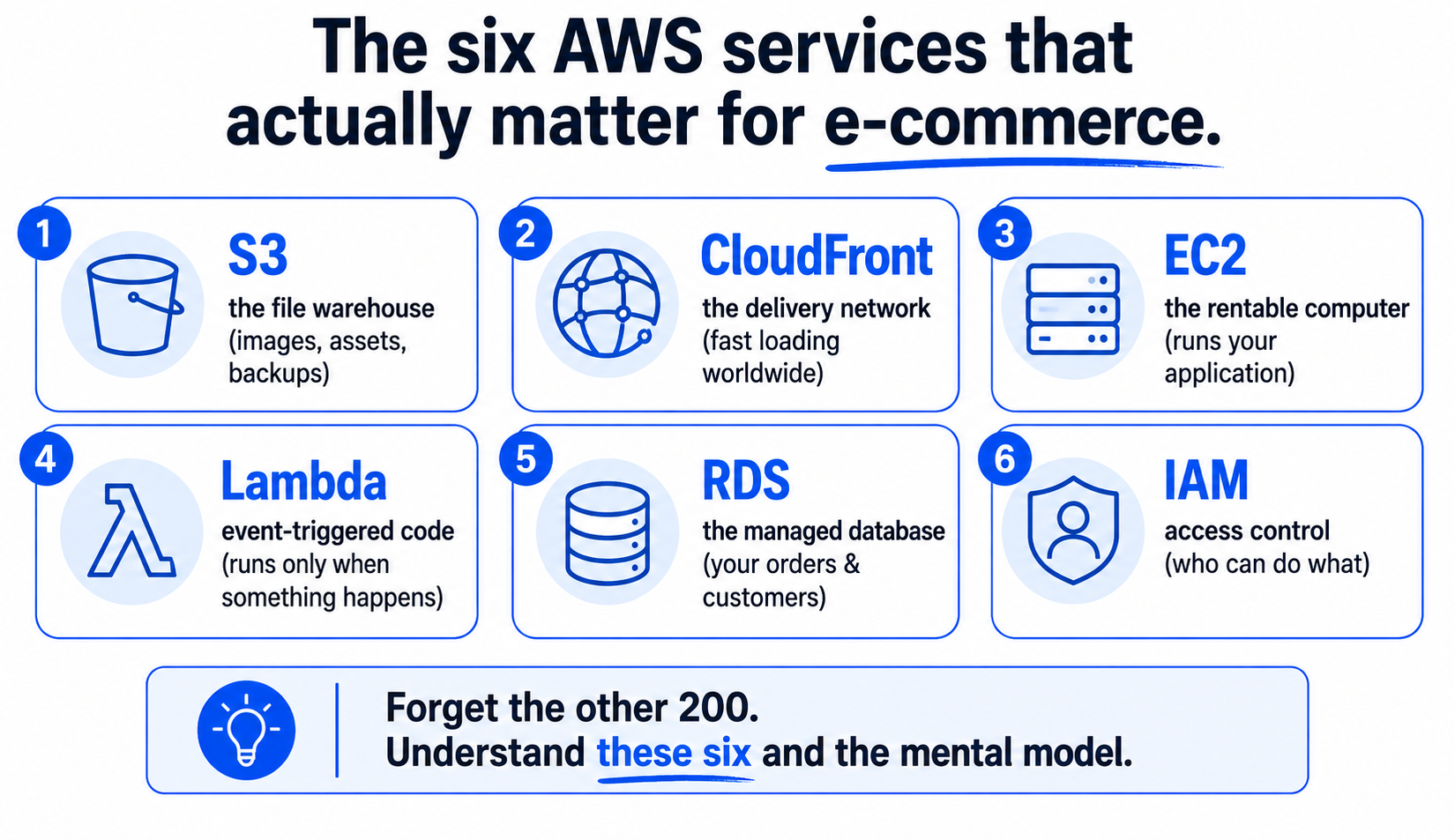
Forget the 200. Here are the ones that come up again and again in e-commerce, each in plain language, with what it is actually for.
S3 (Simple Storage Service): the warehouse for files. S3 stores files, product images, videos, backups, documents, static website assets, with effectively unlimited capacity, and you pay for what you store. Think of it as an infinitely large, very cheap, very reliable hard drive in the cloud that anything can read from. For e-commerce, your product images very likely belong here. It is the single most useful AWS service for most stores, and it is where I would start.
CloudFront: the delivery network that makes things fast. CloudFront is a CDN (content delivery network). It keeps copies of your files at locations around the world so they load from somewhere physically near each customer, instead of crossing the planet on every request. Paired with S3, it is what makes your images and pages load fast for a shopper in Tokyo and one in Berlin alike. Speed is conversion, so this is not a technical nicety, it is a revenue lever. I go deeper on the S3-plus-CloudFront pairing in S3 and CloudFront for e-commerce, because together they are the backbone of a fast site.
EC2 (Elastic Compute Cloud): the rentable computer. EC2 is a virtual server, a computer you rent by the hour to run an application. If S3 is where files sit, EC2 is where programs run. An online store might run its web application on EC2 and scale up to more servers during a big sale, then back down afterward. You will hear EC2 constantly. For most e-commerce managers the thing to understand is simply that it is rented computing power, and that you pay while it runs, so leaving one switched on and idle is like leaving a hire car running in the driveway.
Lambda: code that runs only when something happens. Lambda is "serverless" computing, which is a confusing name for a simple idea: you give AWS a small piece of code and it runs only when triggered by an event, and you pay only for the moments it runs, not for an idle server waiting around. A customer places an order, a Lambda function fires to process it. This is the same event-driven thinking I write about in automation, running on AWS infrastructure. For a non-engineer, the mental model is: Lambda is for small jobs that happen in response to events, and it is cheap precisely because nothing runs when nothing is happening.
RDS (Relational Database Service): the managed database. RDS runs a database for you, the structured store of your orders, customers, and products, without you having to maintain the database server yourself. Amazon handles the unglamorous, critical work of backups, updates, and keeping it running. You will not touch this directly as a manager, but you should know it is the typical home for the transactional data your store runs on, and that "managed" means Amazon does the babysitting.
IAM (Identity and Access Management): who is allowed to do what. IAM controls access, which person, which system, can touch which resources and do what. It is unglamorous and it is the one most often neglected, which is exactly why it matters. Good IAM hygiene, not everyone using one all-powerful login, is the difference between a small mistake and a catastrophe. The single most common rookie error on AWS is doing everything from the root (master) account; the basic discipline of separate, limited access for each person and system is security 101, and it is worth insisting on even if you never configure it yourself.
The mental model that ties it together
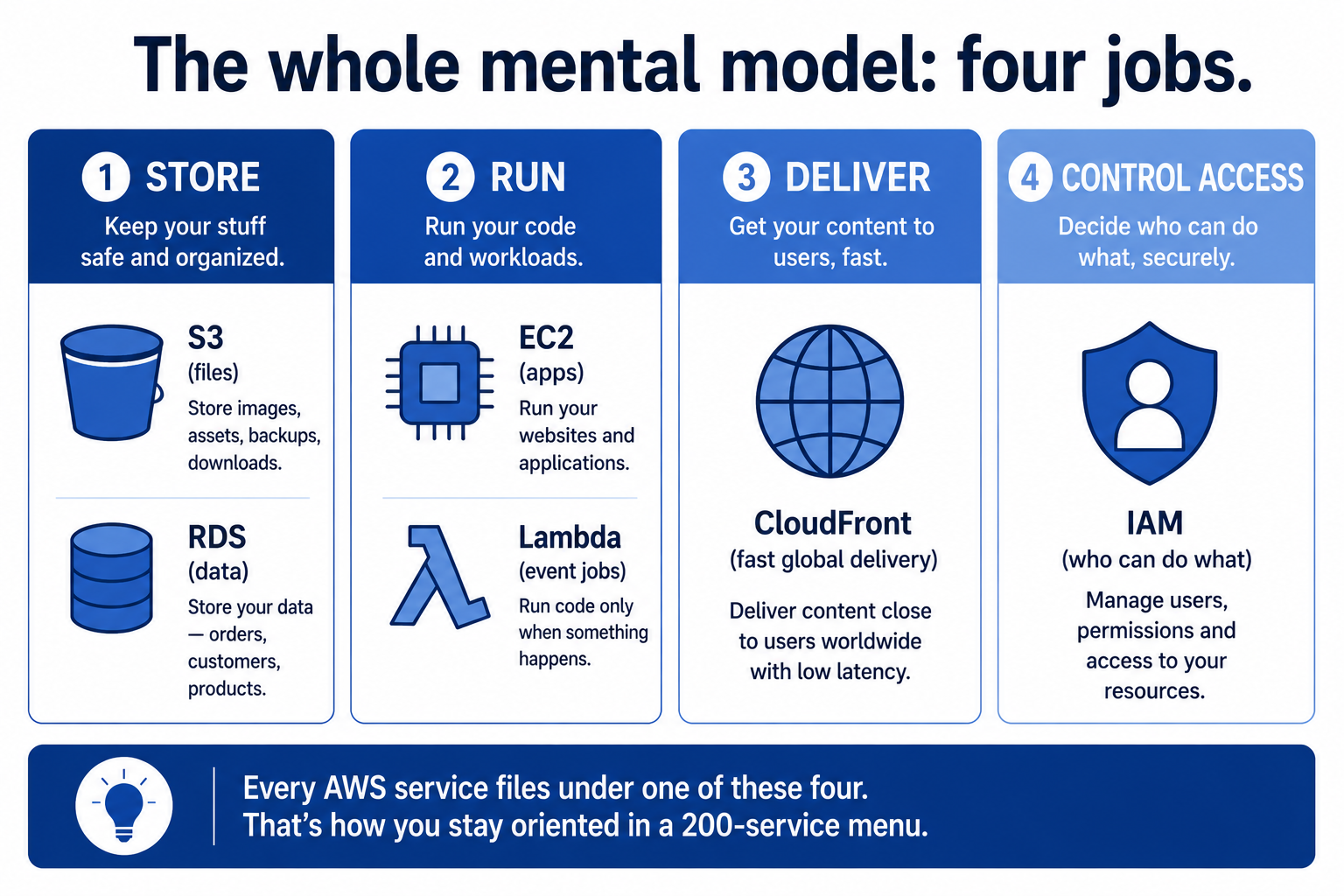
Here is the single framework that makes AWS make sense, and it maps onto how any store actually works. Almost everything in e-commerce infrastructure is one of four things: storing something, running something, delivering something, or controlling access to it. Each of the services above slots into one of those jobs.
You store files in S3 and structured data in RDS. You run applications on EC2 and event-driven jobs on Lambda. You deliver it all fast to customers worldwide through CloudFront. And you control who can touch any of it with IAM. Storage, compute, delivery, access. Four jobs. That is the whole mental model, and once you have it, every new AWS service you encounter can be filed under one of those four headings, which is how you stay oriented in a 200-service menu without drowning.
This is also the model that makes you useful in a technical conversation without being an engineer. When a developer proposes an architecture, you can follow it by asking which of the four each piece is doing and whether a simpler option in the same category would do. When a vendor pitches you something "powered by AWS," you can ask which services and why, and whether the design is using the right tool for the job or the most expensive one. You do not need to write the configuration. You need to understand the shape of the system well enough to ask good questions and spot bad answers, which is exactly the role of a manager rather than an engineer.
How I actually use AWS for this blog
To make it concrete, here is my own setup, which is about as simple as real AWS gets and a genuinely useful pattern for any content-led store. This blog is a static site: the pages are pre-built files rather than generated fresh on every visit. Those files live in S3 (storage), and CloudFront (delivery) serves them fast to readers anywhere in the world. There is no EC2 server running around the clock, because a static site does not need one, which means it is fast, secure, and costs very little to run. I write up the full stack in the static-site stack behind this blog.
The lesson in that setup is the one I would leave you with. The right AWS architecture is usually the simplest one that does the job, not the most powerful. I do not run servers I do not need. I use storage and delivery, because that is what a blog actually requires, and I skip the rest. A huge amount of AWS overspending and overcomplication comes from reaching for heavy services out of habit or hype when a lighter combination would do, the same discipline of matching the tool to the actual job that runs through everything I write about automation and AI. AWS is no different. The skill is restraint.
So that is AWS for the non-engineer who runs e-commerce. It is a giant menu of rentable infrastructure, billed by what you use. Six services cover almost everything you will meet: S3 and RDS to store, EC2 and Lambda to run, CloudFront to deliver, IAM to control access. And the whole thing files under four jobs, store, run, deliver, control. You will never need to configure a server to be the person in the room who understands the system, asks the sharp question, and stops the team from buying a sledgehammer to hang a picture. That understanding is the part that actually pays off, and it does not require an engineering degree. It requires exactly what you already do: knowing what the business needs and refusing to overcomplicate it.
A few common questions
Do I need to be technical to understand AWS? No. AWS has over 200 services, but you only need to understand a handful and one mental model to make good decisions and ask the right questions. The core idea is simple: AWS rents you computing resources (storage, servers, databases, delivery) instead of you owning them, and you pay for what you use.
What AWS services does an e-commerce business actually use? For most stores, six matter: S3 (file and image storage), CloudFront (fast global content delivery), EC2 (rentable servers to run applications), Lambda (event-triggered code), RDS (managed database for orders and customers), and IAM (controlling who can access what). The other 200-plus services rarely come up day to day.
What's the simplest useful AWS setup? For a content-led or static site, S3 to store the files plus CloudFront to deliver them fast worldwide, with no always-on server at all. It's fast, secure, and very cheap. This blog runs on exactly that. The guiding principle: use the simplest architecture that does the job, not the most powerful.
How does AWS pricing work? Pay-as-you-go: you rent resources by the unit (per gigabyte stored, per hour of server time, per million requests) and the bill is your total usage. This is great for small projects but means costs can climb with traffic or misconfiguration, so set billing alerts and understand roughly what each service costs to run.
You should also read:
S3 + CloudFront for E-Commerce: A Non-Technical Introduction
If you want a fast, cheap, reliable way to serve your website's files, images, pages, assets, to customers anywhere in the world, the combination of two AWS services does almost all of the work: S3 stores the files, and CloudFront delivers them fast to every…
Continue reading...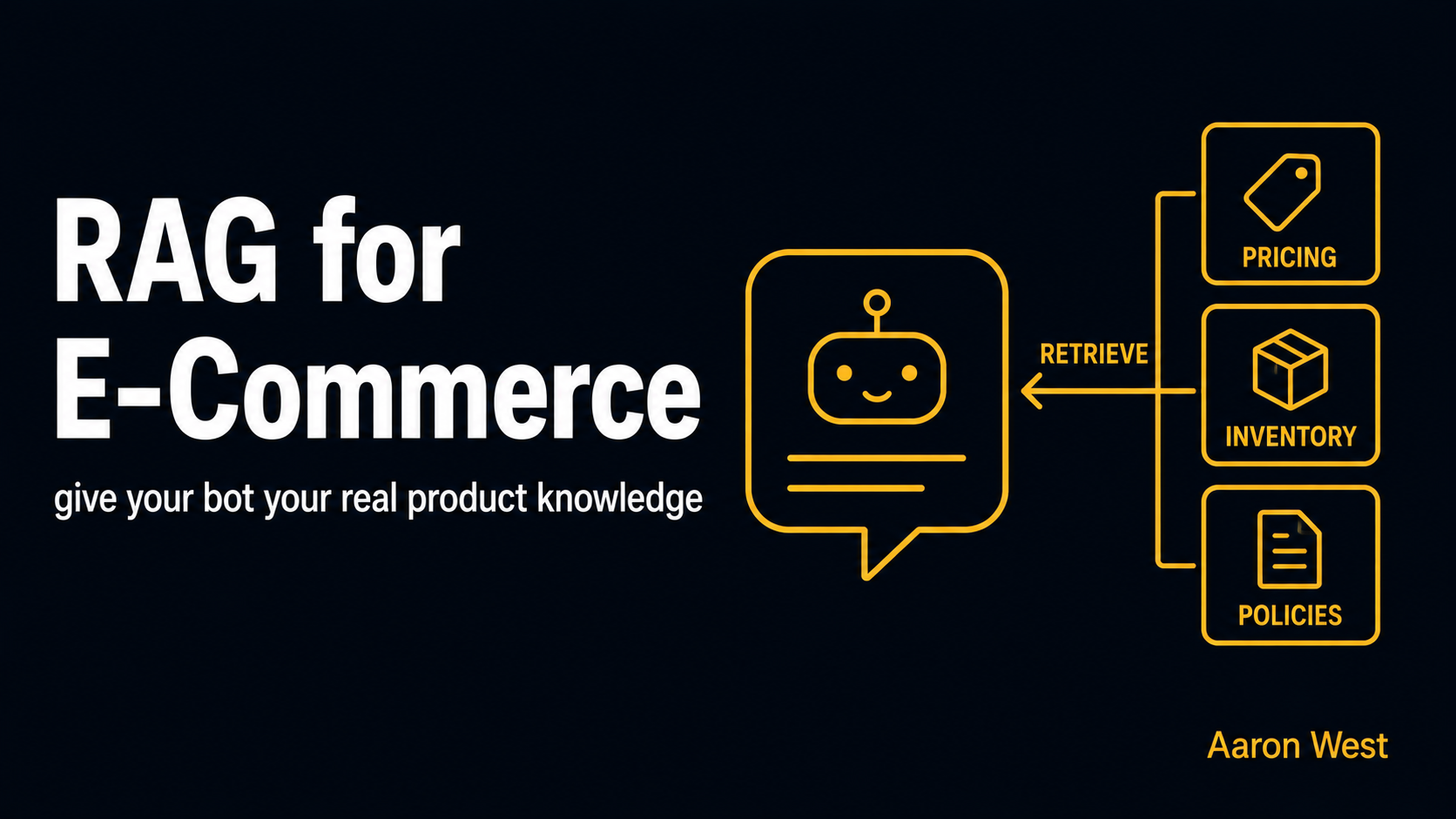
RAG Explained for E-Commerce: Giving a Bot Your Product Knowledge Without Retraining It
If you want an AI assistant that actually knows your store, your real products, your current prices, your live stock, your specific return policy, the technique you need is RAG, retrieval-augmented generation. It connects the AI to your live business data so it answers from…
Continue reading...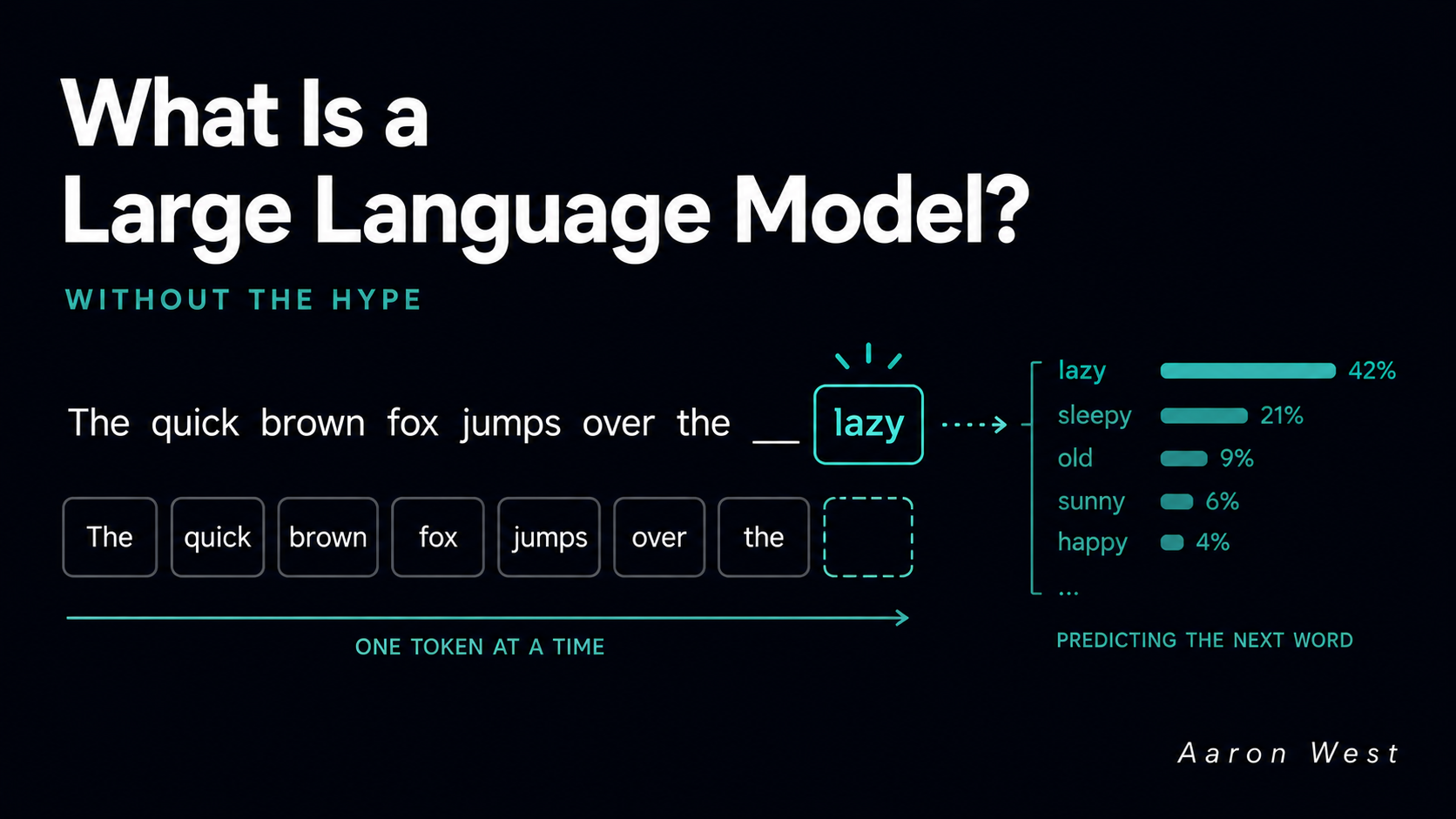
What Is a Large Language Model, Without the Hype
A large language model is a system that has been trained to do one deceptively simple thing: predict the next word. Show it a stretch of text, and it guesses what most likely comes next, then it guesses again, and again, one piece at a…
Continue reading...