The Tracking Pixel, Explained

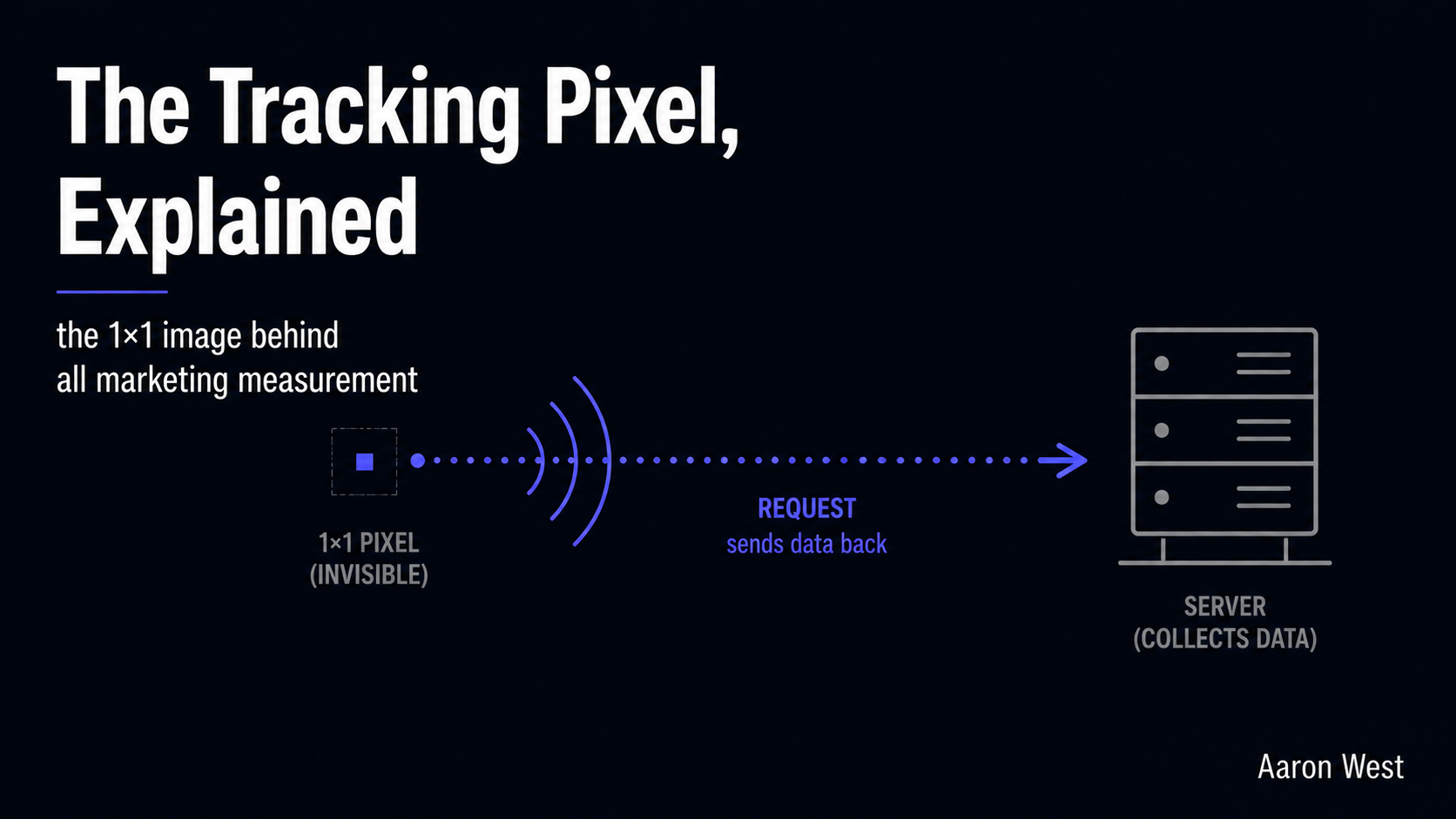
Table of Contents
A tracking pixel is a tiny, invisible image, usually a single transparent dot one pixel wide, hidden in the code of a web page, email, or ad, and its only job is to quietly report back when something happens. When the page loads, the pixel "fires": it sends a request to a server, and that request is the signal that says "this person viewed this page" or "this person bought this product." That is the whole mechanism. Almost every piece of marketing measurement you have ever seen, conversion counts, retargeting audiences, ad performance, rests on this one small, unglamorous trick. Understanding it makes the rest of digital tracking far less mysterious.
This is a foundational piece in the performance marketing pillar, the kind of plumbing explainer that everything else links back to. If you have read about conversion tracking, server-side tracking, or why your analytics under-reports, the pixel is the component underneath all of them. I will explain what a pixel actually is and how it fires, how it differs from a cookie (the two get confused constantly), the main types you will encounter, and why this tiny image is at the centre of every privacy and accuracy problem in modern marketing. Plain language, no code.
What a pixel is and how it fires
Strip away the jargon and a tracking pixel is just an image tag pointing at a server you (or a platform like an ad network) control. It is deliberately tiny and transparent, a 1×1 image that blends into the background so the user never sees it, which is why it is also called a "web beacon" or "clear GIF." But the image itself is not the point. The point is what happens when a browser tries to load it.
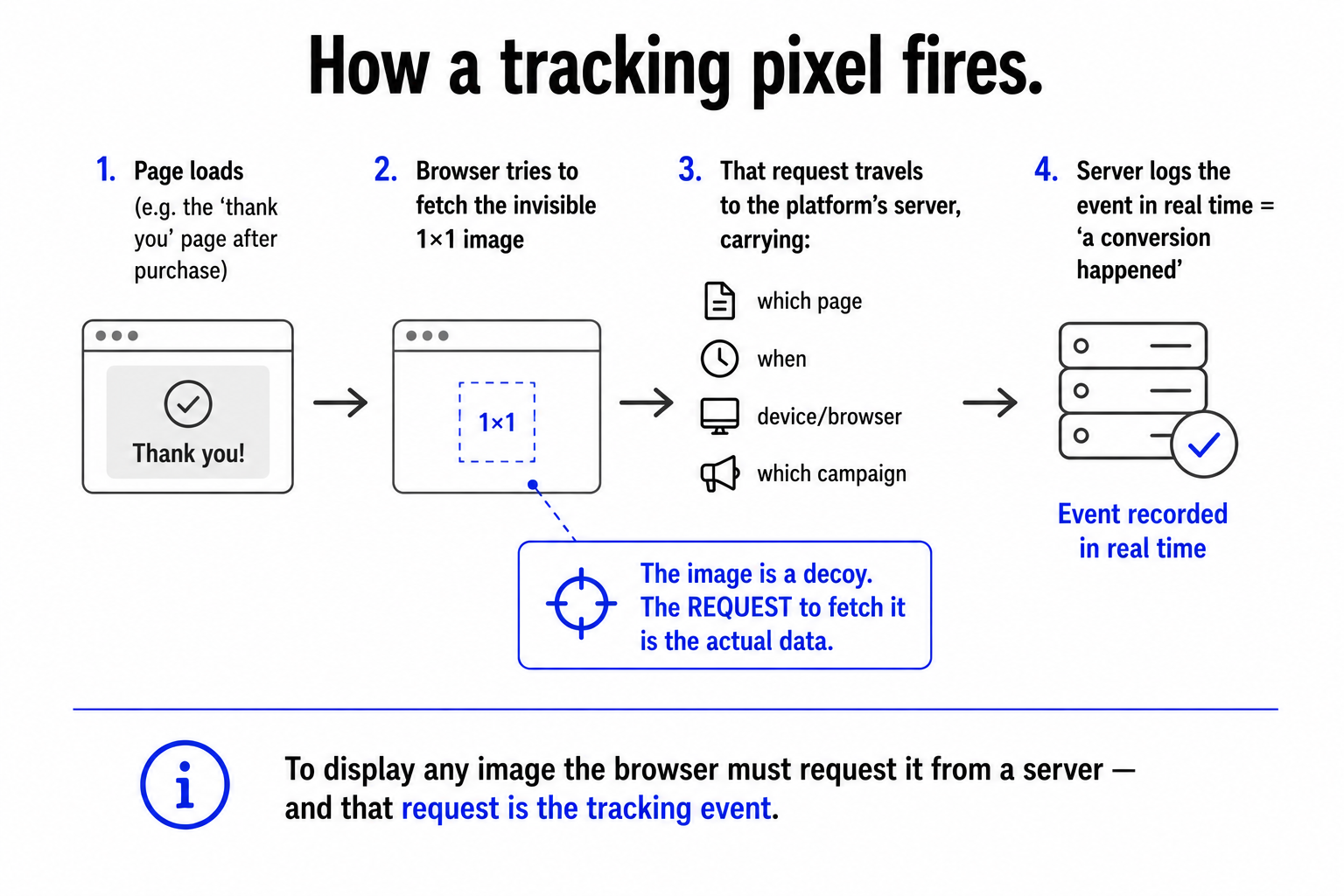
To display any image, the browser has to request it from a server. So when someone opens a page containing the pixel, the browser sends a request to fetch that 1×1 image, and that request is the tracking event. Bundled into the request is useful information: which page was loaded, when, often the type of device and browser, and a reference to which campaign or ad the pixel belongs to. The server logs all of it. The "image" is a decoy; the request to fetch it is the actual data collection. When marketers say a pixel "fired," they mean exactly this: a page loaded, the browser requested the invisible image, and the server recorded the event in real time.
This is why pixels are placed where they are. A conversion pixel sits on the order-confirmation ("thank you") page, so it only fires when someone actually completes a purchase, the page load is the proof of the sale. A pixel on every page fires on every visit. The placement decides what the pixel measures, and the firing, that silent request the moment the page loads, is the heartbeat of the whole system.
Pixel vs cookie: the difference people get wrong
Pixels and cookies get muddled constantly because they are usually used together, but they do genuinely different jobs, and the distinction clears up a lot of confusion.
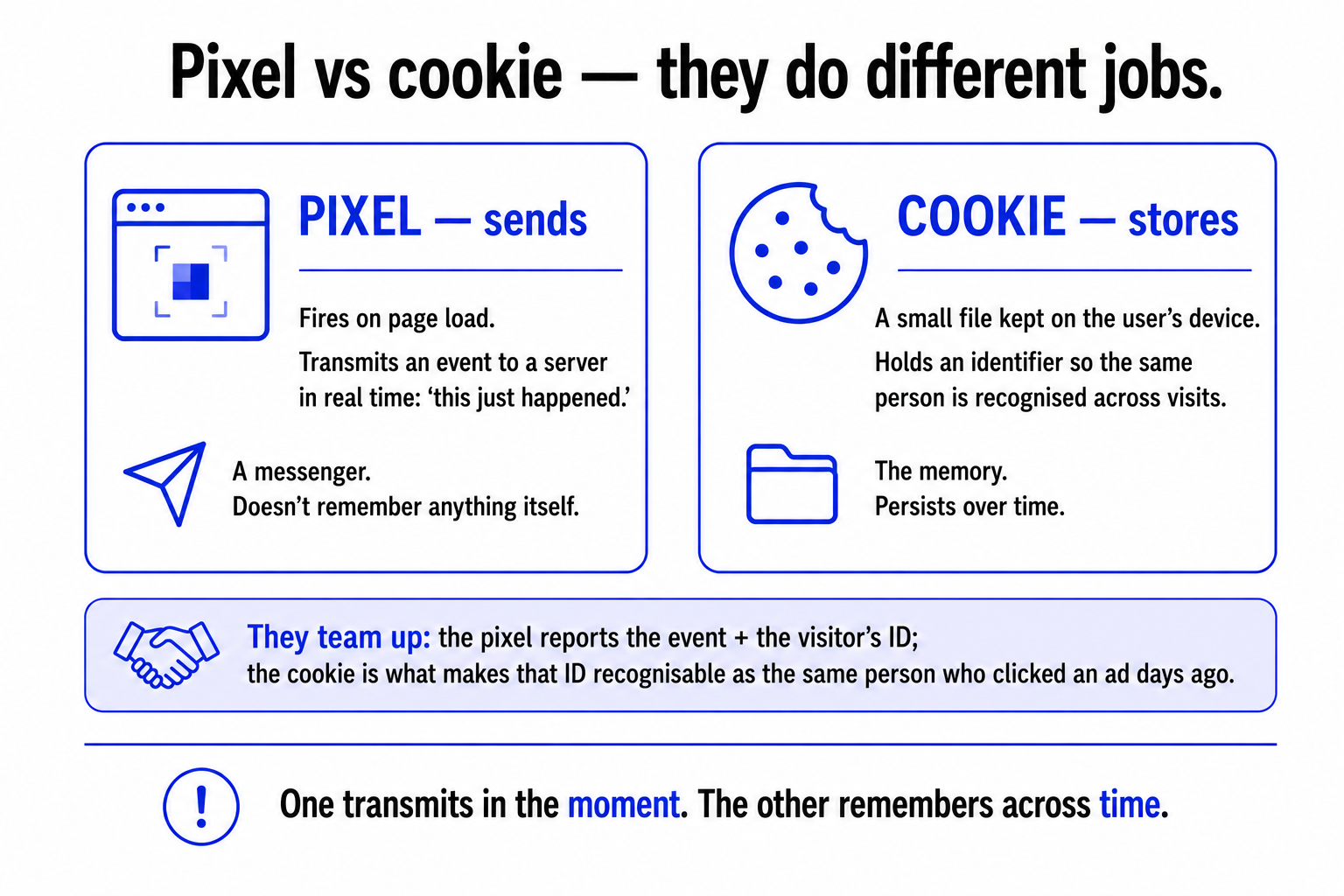
A pixel is about sending data the moment something happens. It fires on page load and transmits an event to a server in real time. It does not, by itself, remember anything, it is a messenger that reports "this just happened" and then its job is done.
A cookie is about storing data on the user's device to remember them over time. It is a small text file the browser keeps, holding an identifier so that when the same person comes back, they can be recognised as the same visitor rather than a stranger. The cookie is the memory; it persists between visits.
In practice they team up: the pixel fires to report an event, and a cookie stores an identifier so that event can be connected to the same user's earlier and later actions. The pixel says "a purchase happened and here is the visitor's ID"; the cookie is what made that ID recognisable as the same person who clicked an ad three days ago. One transmits in the moment, the other remembers across time. Knowing which does which is the key to understanding why some tracking problems are "pixel problems" (the event never got sent) and others are "cookie problems" (the event got sent but could not be connected to anything, because the identifier expired or was blocked).
The main types you will meet
"Tracking pixel" is a category, not a single thing. The ones you will actually encounter in e-commerce fall into three jobs, distinguished entirely by where they sit and what their firing means:
- Conversion pixels. Placed on the outcome page (the order confirmation or "thank you" page), so firing means a desired action, usually a purchase or sign-up, was completed. These are how you measure whether a campaign actually produced sales, and they let you see which ad, link, or channel a customer came from on their way to buying.
- Retargeting pixels. Placed on product or browsing pages, they record that a user visited so they can later be shown ads for what they looked at. This is the mechanism behind the product that follows you around the web after you viewed it and did not buy.
- Impression pixels. Fire when an ad is shown (not clicked), counting how many times an ad was displayed. Used to measure reach and the cost of being seen.
Same underlying technology in every case, a tiny image whose loading is logged, doing a different job depending on where it lives. Once you see that, the alphabet soup of "the Meta pixel," "the conversion tag," "the retargeting pixel" stops being intimidating: they are all the same simple trick, placed in different spots to measure different things.
Why this tiny image is at the centre of everything
Here is why a piece about a 1×1 image matters for your whole measurement strategy: the pixel is exactly the thing that the modern privacy web breaks. Because a pixel works by making the browser send a request, anything that interferes with the browser interferes with the pixel. Ad blockers recognise tracking pixels and stop them loading, so the request never fires and the event is simply lost. Browser privacy features and the collapse of third-party cookies cut the cookies that pixels rely on to connect events to a user. This is the root cause of the under-reporting problem: when the pixel cannot fire or its cookie cannot persist, real conversions vanish from your data.
It is also why server-side tracking exists. Instead of relying on the browser to fire a pixel that ad blockers can stop, server-side approaches send the event from your own server, sidestepping the browser entirely. The whole shift toward server-side measurement is, at bottom, a response to the fragility of this little image. And because a pixel collects personal data the moment it fires, it sits squarely under privacy law: non-essential pixels should only fire after the user has consented, which is exactly the requirement so many sites get wrong.
So the humble tracking pixel is worth understanding not because the mechanism is complicated, it genuinely is not, but because it is the foundation the entire edifice of digital measurement is built on, and the place where most of that edifice now cracks. Conversion counts, retargeting, attribution, the under-reporting, the privacy obligations, the move to server-side: all of it traces back to whether a browser successfully requested a tiny invisible image. Understand the pixel, and the rest of digital tracking stops being a black box and becomes a system you can actually reason about. That is the whole reason to start here.
A few common questions
What is a tracking pixel? A tracking pixel is a tiny, invisible image, typically a 1×1 transparent dot, embedded in the code of a web page, email, or ad. When the page loads, the browser requests that image from a server, and that request is the tracking event: it tells the server an action happened (a page view, a purchase) along with details like the page, the time, the device, and which campaign the pixel belongs to. The image is effectively a decoy; the request to load it is what collects the data. It's the basic mechanism behind most digital marketing measurement.
What's the difference between a tracking pixel and a cookie? They do different jobs and are usually used together. A pixel sends data the moment something happens, it fires on page load and transmits an event to a server in real time, but doesn't itself remember anything. A cookie stores data on the user's device, a small file holding an identifier so the same person is recognised across visits. In practice the pixel reports an event plus a visitor ID, and the cookie is what makes that ID recognisable as the same person over time. One transmits in the moment; the other remembers across time.
What are the types of tracking pixels? Three common ones, distinguished by where they sit and what their firing means. Conversion pixels go on the outcome page (order confirmation), so firing means a purchase or sign-up was completed, this is how you measure whether a campaign produced sales. Retargeting pixels go on browsing pages and record visits so users can later be shown ads for what they viewed (the product that "follows you around"). Impression pixels fire when an ad is shown, counting how often it was displayed. Same technology, different placement, different job.
Why do tracking pixels fail or get blocked? Because a pixel works by making the browser send a request, anything interfering with the browser interferes with the pixel. Ad blockers recognise and stop tracking pixels from loading, so the event is never sent. Browser privacy features and the decline of third-party cookies cut the cookies pixels rely on to connect events to a user. This is the root of analytics under-reporting, and the main reason server-side tracking (which sends events from your own server instead of the browser) has become essential. Pixels also collect personal data, so under privacy law non-essential ones should only fire after user consent.
You should also read:
Conversion Tracking, End to End
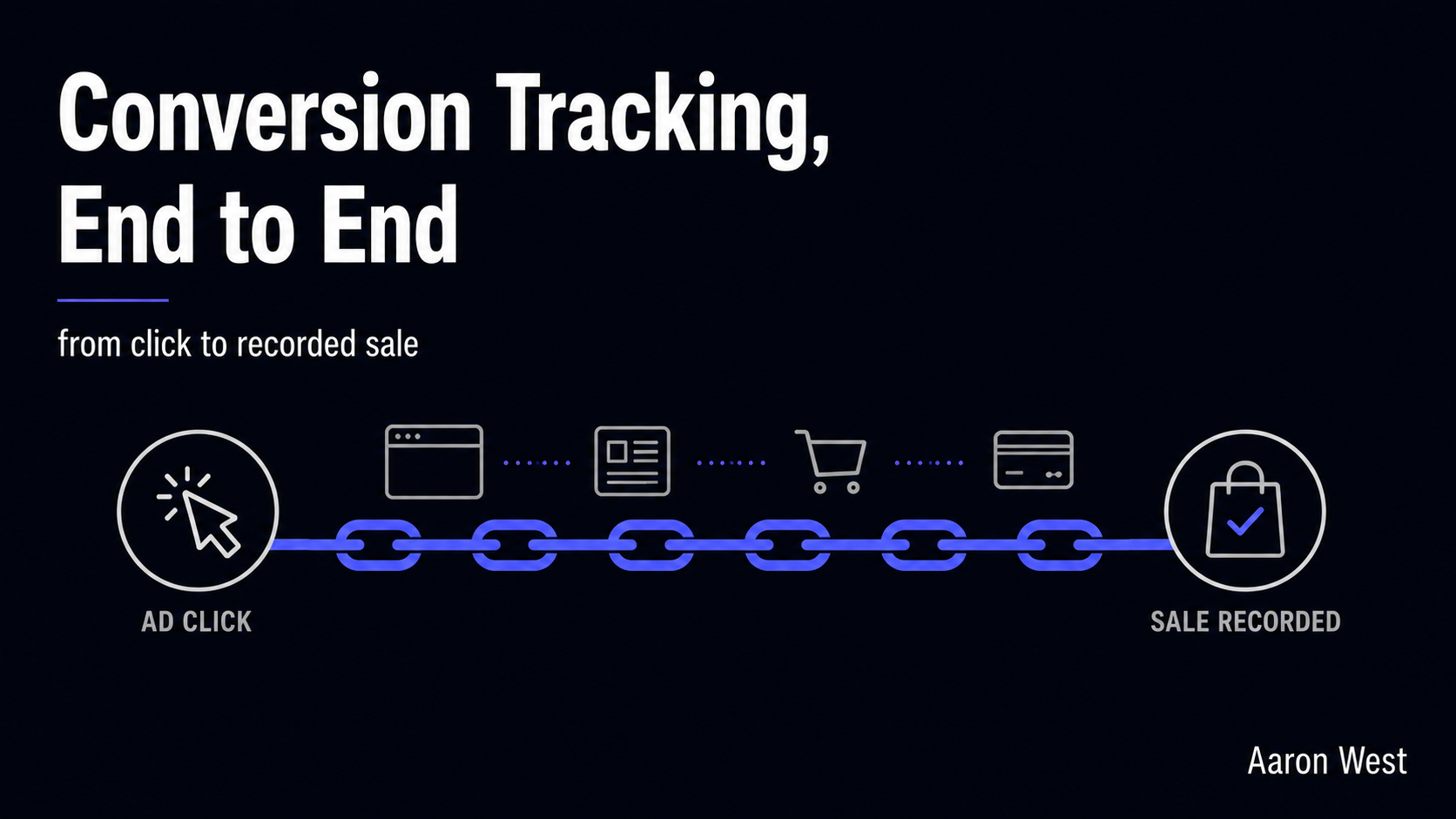
Conversion tracking is the system that connects a marketing action to the result it produced, so that when someone clicks your ad and later buys, you can actually say "that sale came from that ad." Without it, you are spending money and guessing. With it,…
Continue reading...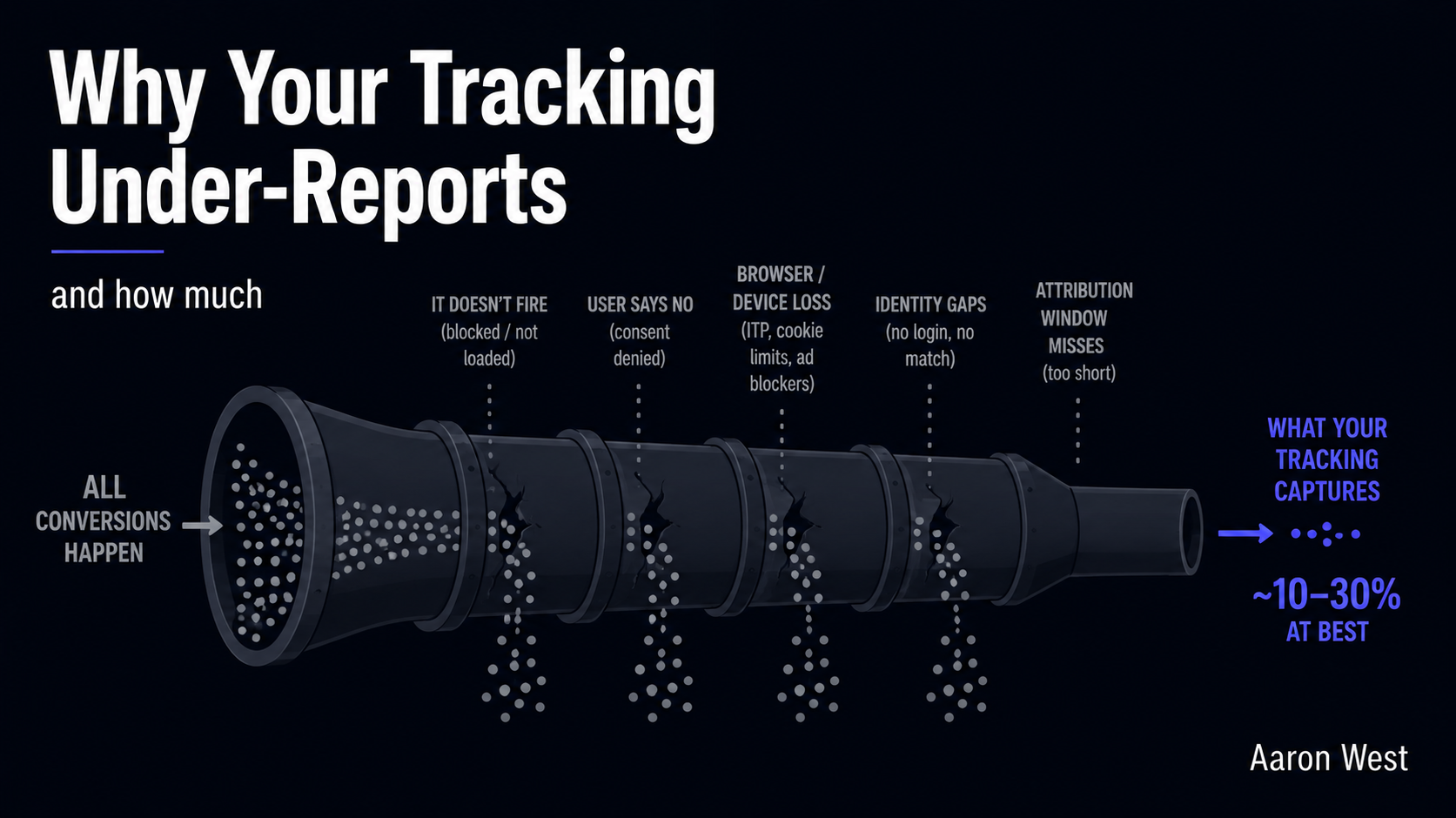
Why Your Tracking Under-Reports (and How Much)
Your analytics is almost certainly showing you fewer conversions than actually happened, and the gap is bigger than most marketers think. Where the deduplication problem makes your platforms claim more sales than you made, the under-reporting problem is the mirror image: a large slice of…
Continue reading...
Cross-Device Tracking and Its Limits
You browse for headphones on your phone during your commute, read reviews on your laptop at work, and finally buy on your tablet that evening. To you, that is one shopping journey. To your analytics, with nothing connecting those devices, it looks like three completely…
Continue reading...