Google Analytics (GA4) for E-Commerce: What to Actually Track

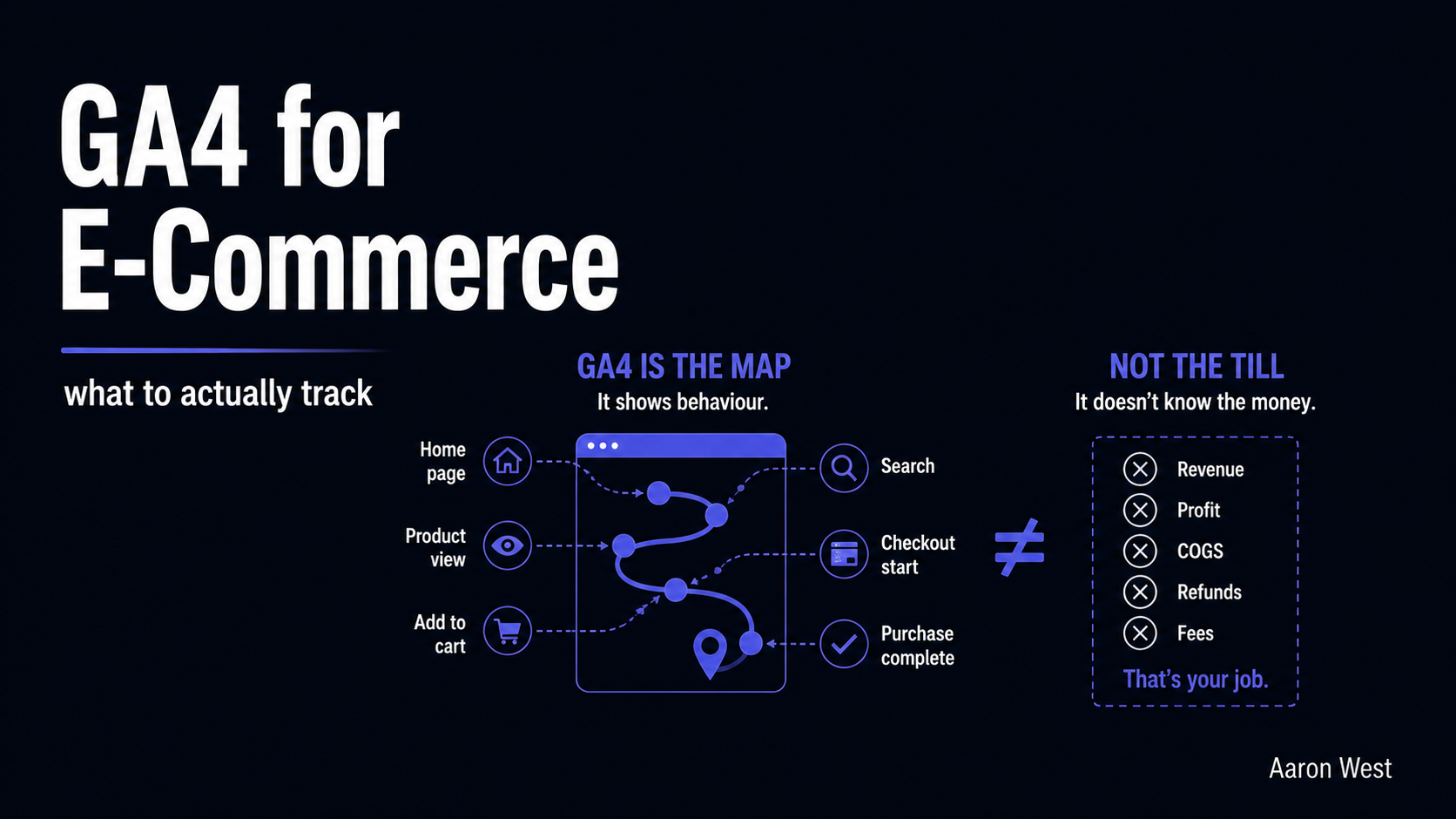
Table of Contents
The most important thing to understand about GA4 for e-commerce is also the thing almost nobody is told up front: it is not your sales report, and using it as one will mislead you every time. GA4 is a behaviour tool. It tells you how people find you, what they do on the way to buying, and which channels bring the visitors who convert. It does not, and cannot, tell you your real revenue, because privacy restrictions and ad blockers mean GA4 systematically under-counts. Your payment processor is your finance number. GA4 is your map of how the money happens, and once you stop expecting it to be the till, it becomes genuinely useful.
This is the analytics piece in the tracking layer of the performance marketing pillar. GA4 intimidates people because it replaced the old, familiar Google Analytics with a different model, and most guides drown you in its hundreds of features. I am going to do the opposite: tell you the handful of things that actually matter for an e-commerce store, what to track, which reports to look at, and the one mental adjustment that prevents the most common and costly misunderstanding. Plain language, no setup tutorial, just what to pay attention to and why.
GA4 is event-based: the one concept to grasp
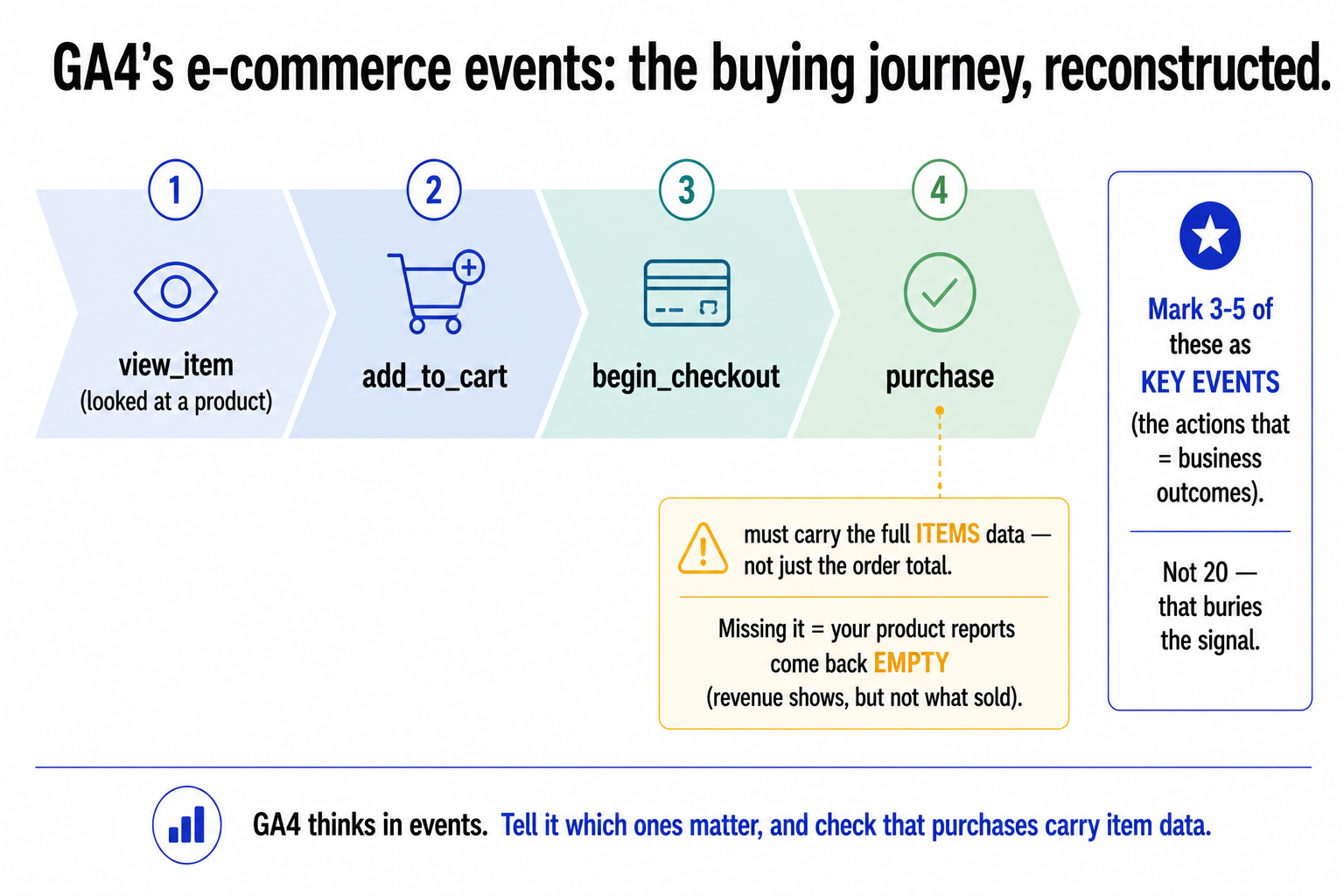
The shift that confuses everyone: GA4 is built entirely on events. The old Analytics thought in pageviews and "goals." GA4 thinks in events, where almost everything a user does (viewing a page, viewing a product, adding to cart, starting checkout, purchasing) is an event, a recorded action. You do not need to know the plumbing, but you do need this one idea: in GA4, you tell it which events matter by marking them as key events (these replaced the old "goals"). A key event is just you saying, "this action is a business outcome I care about."
For an e-commerce store, GA4 has a set of standard ecommerce events that map cleanly to the buying journey: view_item (someone looked at a product), add_to_cart, begin_checkout, and purchase. Together these let GA4 reconstruct the funnel from "looked at a product" all the way to "bought it." The single most important technical detail, and the one that silently breaks more e-commerce setups than anything else: the purchase event has to carry the full items data (what was bought, not just the order total). If that items data is missing, your revenue might still show up but all your product-level reports come back empty, you will see that sales happened but not what sold. If you check one thing about your GA4 setup, check that purchases are sending complete item data.
And the discipline point: be selective about key events. The temptation is to mark everything important. Resist it. Three to five well-chosen key events (purchase, begin_checkout, maybe a newsletter sign-up or account creation) tell you far more than twenty that bury the signal. Mark the actions that genuinely represent progress toward revenue, and leave the rest as ordinary events you can still look at when you need to.
The reports that actually earn their keep
GA4 has a bewildering number of reports, and you can safely ignore most of them. A small handful drive the overwhelming majority of real e-commerce decisions. The ones worth your time:
- Ecommerce Purchases (under Monetization). Revenue, quantity, and average order value by product. This is where you find your top and bottom performers, the products quietly carrying the store and the ones not pulling their weight. Cross-reference it with what each product costs you to advertise and you start seeing which products are actually profitable, not just popular.
- Purchase Journey / Funnel. The funnel from session to purchase, stage by stage. Its value is showing you where people drop off, the step with the worst abandonment is where your money is leaking, and therefore where conversion-rate work pays off most. A checkout-abandonment spike at one specific step is a direct instruction about what to fix.
- Traffic Acquisition. Which channels bring your visitors, and (combined with your key events) which channels bring visitors who actually convert, not just visit. This is where clean UTM tagging pays off: it is what lets this report correctly attribute a sale to the email or campaign that drove it instead of dumping it into "direct."
- Funnel and path explorations. The more advanced views, for when you want to ask a specific question (what path do buyers of this product take, where exactly do mobile users abandon). Useful once you are comfortable with the basics; not where to start.
The principle: do not try to "use GA4." Use these few reports to answer specific questions, what sells, where people drop off, which channels convert, and ignore the rest until you have a reason to look. A store owner who checks these four regularly and acts on them is getting more from GA4 than someone lost in its full feature set.
The mental adjustment that prevents the big mistake
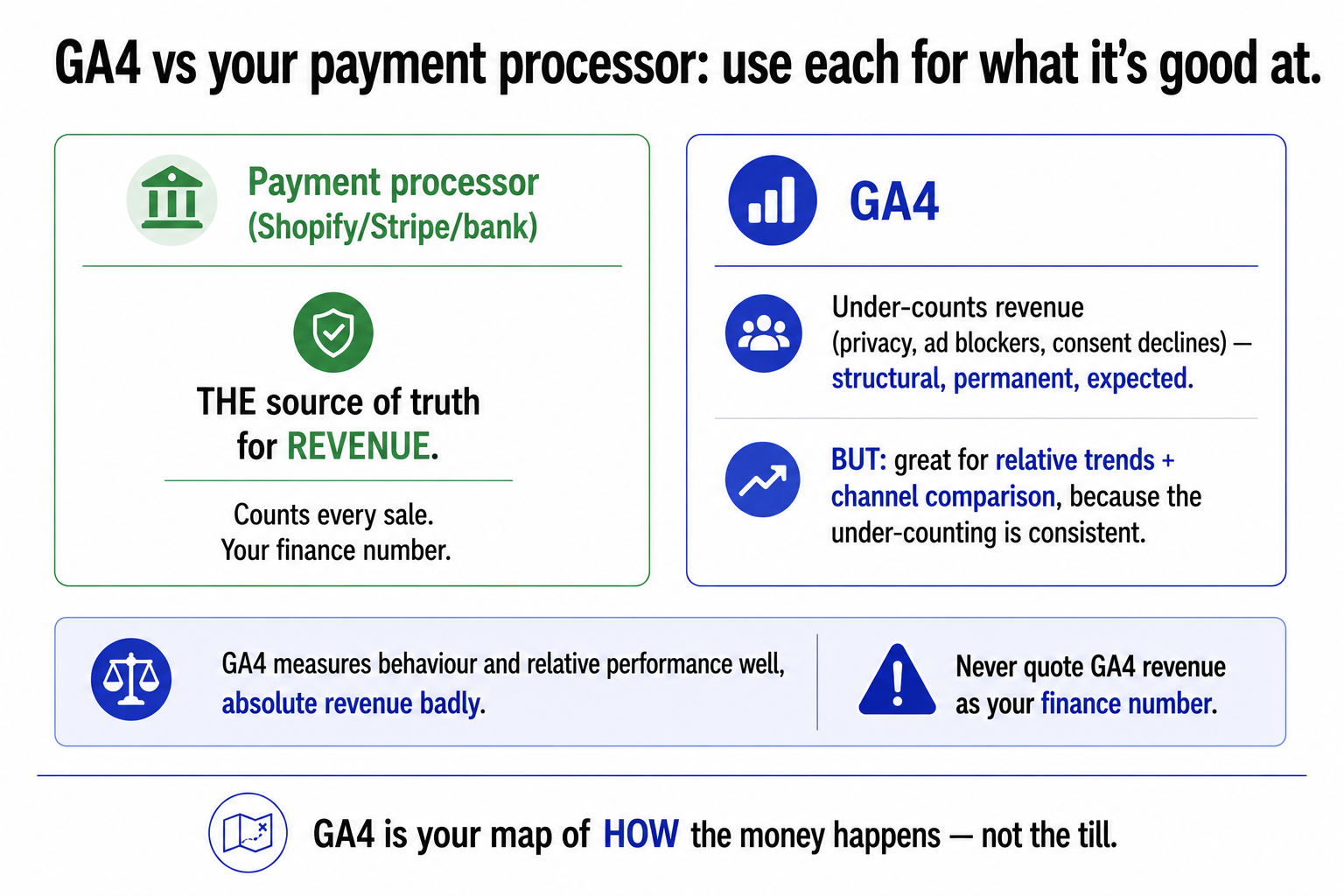
Now the most important thing in this entire piece, because getting it wrong undermines every decision you make from GA4 data. GA4 will not match your real sales figures, and that is expected, not a bug. GA4's reported revenue typically runs meaningfully below what your payment processor (Shopify, Stripe, your bank) shows, often by a noticeable margin. The reasons are the same ones from the tracking-loss problem: privacy restrictions like Safari's tracking prevention, ad blockers that stop GA4's tag firing, and shoppers declining cookie consent all mean a chunk of real purchases never reach GA4. The gap is structural and permanent.
So the rule, and it is non-negotiable: use your payment processor as the source of truth for revenue, and use GA4 for relative trends and channel comparison. GA4 is excellent at telling you that paid social is converting better than display this month versus last, or that one product's conversion rate is climbing, because the under-counting is reasonably consistent across channels and over time, so the comparisons hold even though the absolute numbers are low. It is terrible as a finance report, because the absolute revenue is simply wrong. Mix these up, quote GA4's revenue to your accountant, or panic that sales "dropped" when GA4 just lost more signal, and you will make bad decisions on broken data. This is the same discipline that runs through the whole pillar: know what your number actually measures. GA4 measures behaviour and relative performance well, and absolute revenue badly. Use it for the first and never for the second.
How to think about GA4, in one frame
Pull it together and GA4 stops being intimidating. It is an event-based behaviour tool. You tell it which events are business outcomes (key events, three to five, chosen deliberately), you make sure your purchase events carry full item data so product reports work, you look at a handful of reports (what sells, where people drop off, which channels convert), and you treat its revenue as a relative signal rather than a financial one, with your payment processor as the truth. That is ninety percent of the value for ninety percent of stores, and it deliberately ignores most of the platform.
The deeper point connects GA4 to everything else in this pillar. Analytics is only as good as two things: the quality of the data going in (which is why UTM discipline and clean event tracking matter so much, garbage in, garbage out) and the clarity about what each number means (which is why knowing GA4 under-counts revenue is as important as any report). GA4 is a genuinely powerful tool for understanding how people move through your store and which marketing brings the ones who buy. It is not, and was never meant to be, your accounts. Use it for what it is good at, the behaviour, the funnel, the channel comparison, feed it clean data, and read its numbers knowing exactly what they do and do not measure. Do that, and it becomes one of the most useful tools you have. Treat it as your sales ledger, and it becomes a confident source of wrong decisions.
A few common questions
What should an e-commerce store track in GA4? The core ecommerce events that map to the buying journey, view_item, add_to_cart, begin_checkout, and purchase, with the purchase event carrying full item data (not just the order total), otherwise your product-level reports come back empty. Then mark three to five of the most important actions as key events (purchase, begin_checkout, maybe sign-up), GA4's replacement for the old "goals." Be selective: a few well-chosen key events tell you more than twenty that bury the signal.
Why doesn't GA4 match my actual sales figures? Because GA4 systematically under-counts, and that's expected, not a bug. Privacy restrictions (like Safari's tracking prevention), ad blockers that stop GA4's tag firing, and shoppers declining cookie consent all mean a chunk of real purchases never reach GA4. Its reported revenue typically runs meaningfully below your payment processor. Use your payment processor (Shopify, Stripe, your bank) as the source of truth for revenue, and use GA4 for relative trends and channel comparison, where the consistent under-counting still lets the comparisons hold.
Which GA4 reports matter most for e-commerce? A small handful drive most decisions: Ecommerce Purchases (revenue, quantity, and AOV by product, find your top and bottom performers); the Purchase Journey/funnel (where people drop off, so you know where conversion work pays off); Traffic Acquisition (which channels bring visitors who actually convert, which depends on clean UTM tagging); and funnel/path explorations for specific questions once you're comfortable. Ignore the rest of GA4's reports until you have a reason to look.
What are key events in GA4? Key events are the actions you mark as business outcomes you care about, GA4's replacement for the old "goals." Marking an event as a key event tells GA4 it matters for reporting, attribution, and conversion analysis (and makes it available as a conversion goal in Google Ads). For e-commerce, purchase is the obvious one, but you might also mark begin_checkout, account creation, or newsletter sign-up. Be selective: three to five strong key events are far more useful than twenty.
You should also read:
The Tracking Pixel, Explained
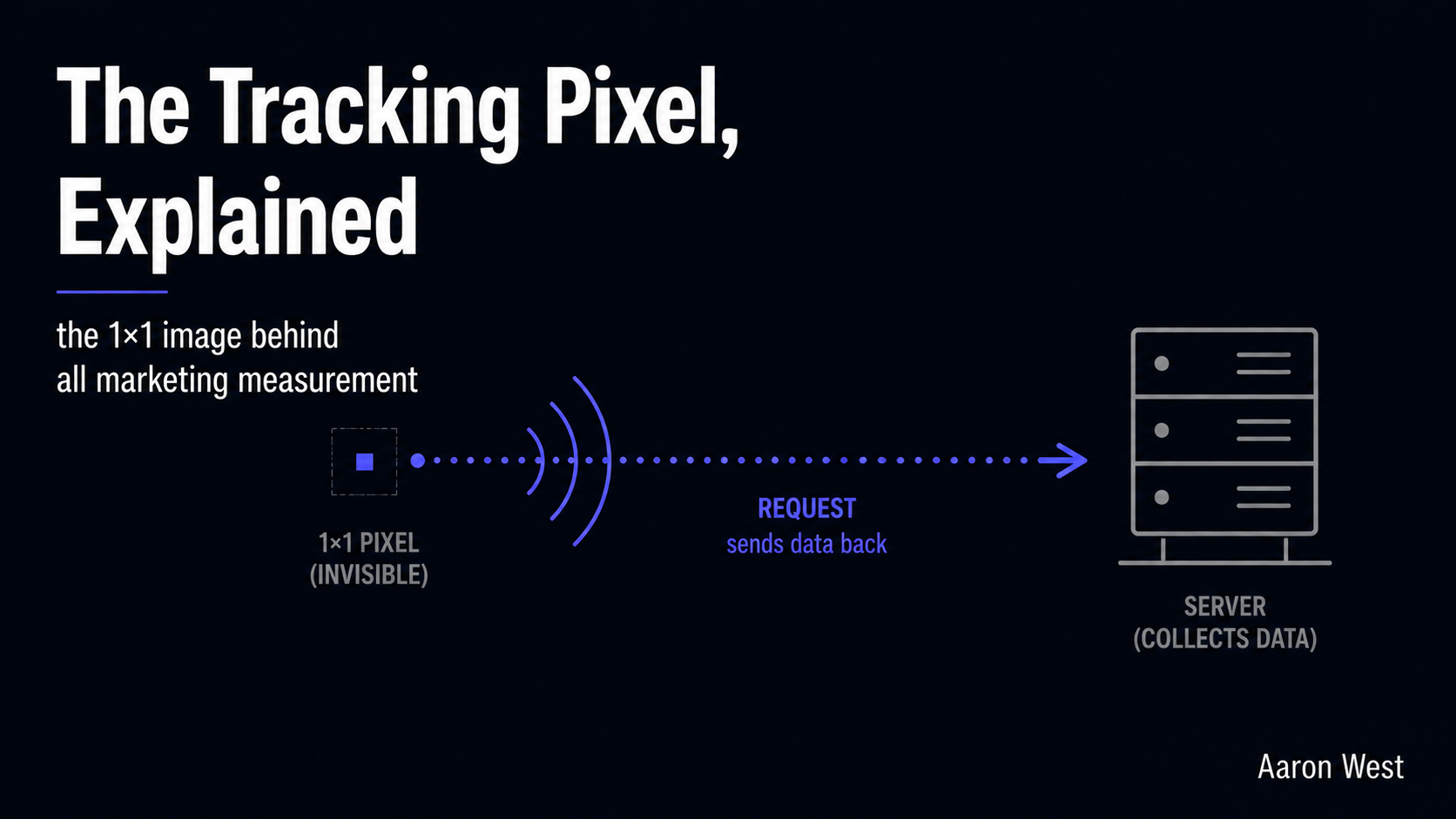
A tracking pixel is a tiny, invisible image, usually a single transparent dot one pixel wide, hidden in the code of a web page, email, or ad, and its only job is to quietly report back when something happens. When the page loads, the pixel…
Continue reading...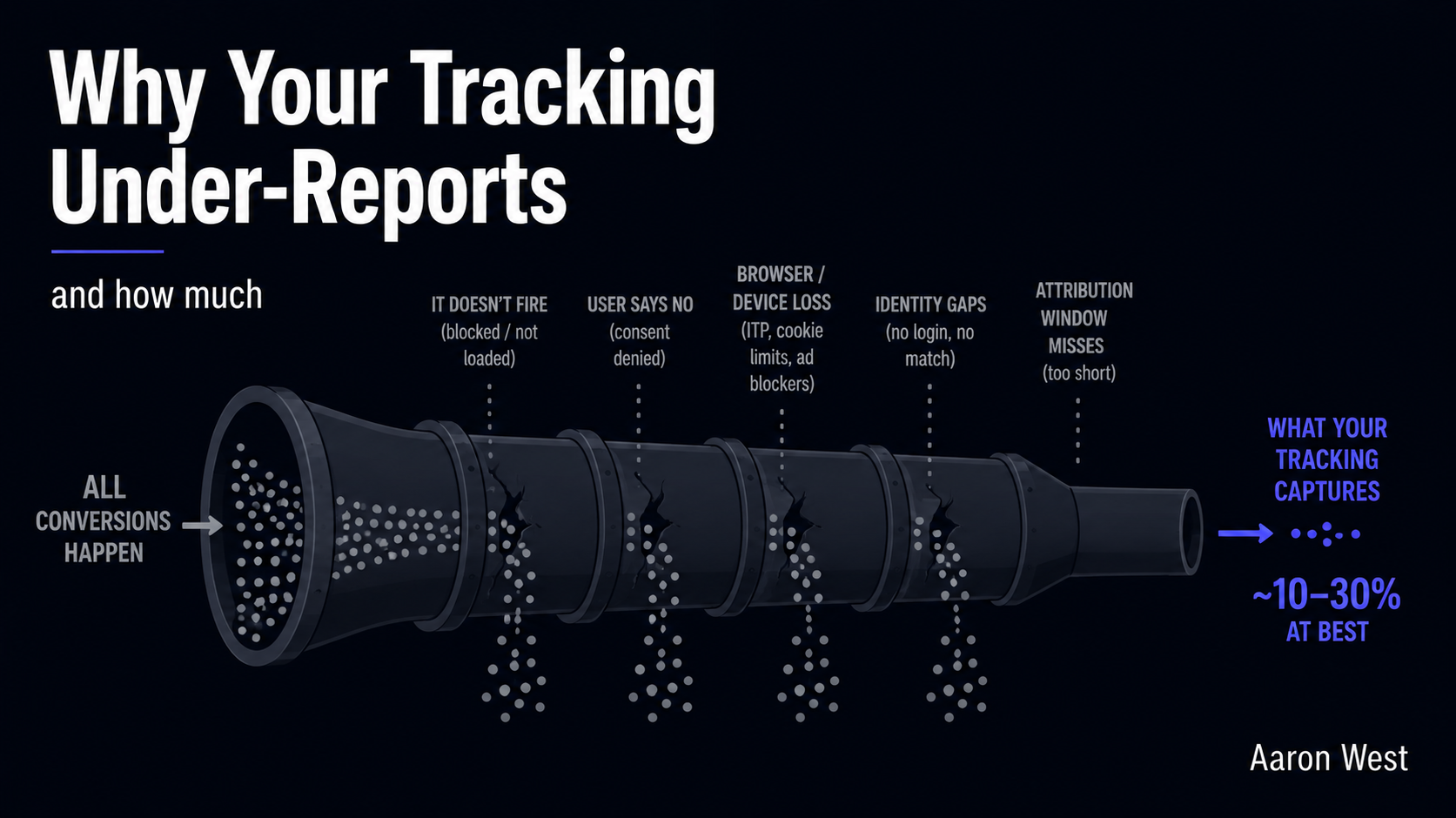
Why Your Tracking Under-Reports (and How Much)
Your analytics is almost certainly showing you fewer conversions than actually happened, and the gap is bigger than most marketers think. Where the deduplication problem makes your platforms claim more sales than you made, the under-reporting problem is the mirror image: a large slice of…
Continue reading...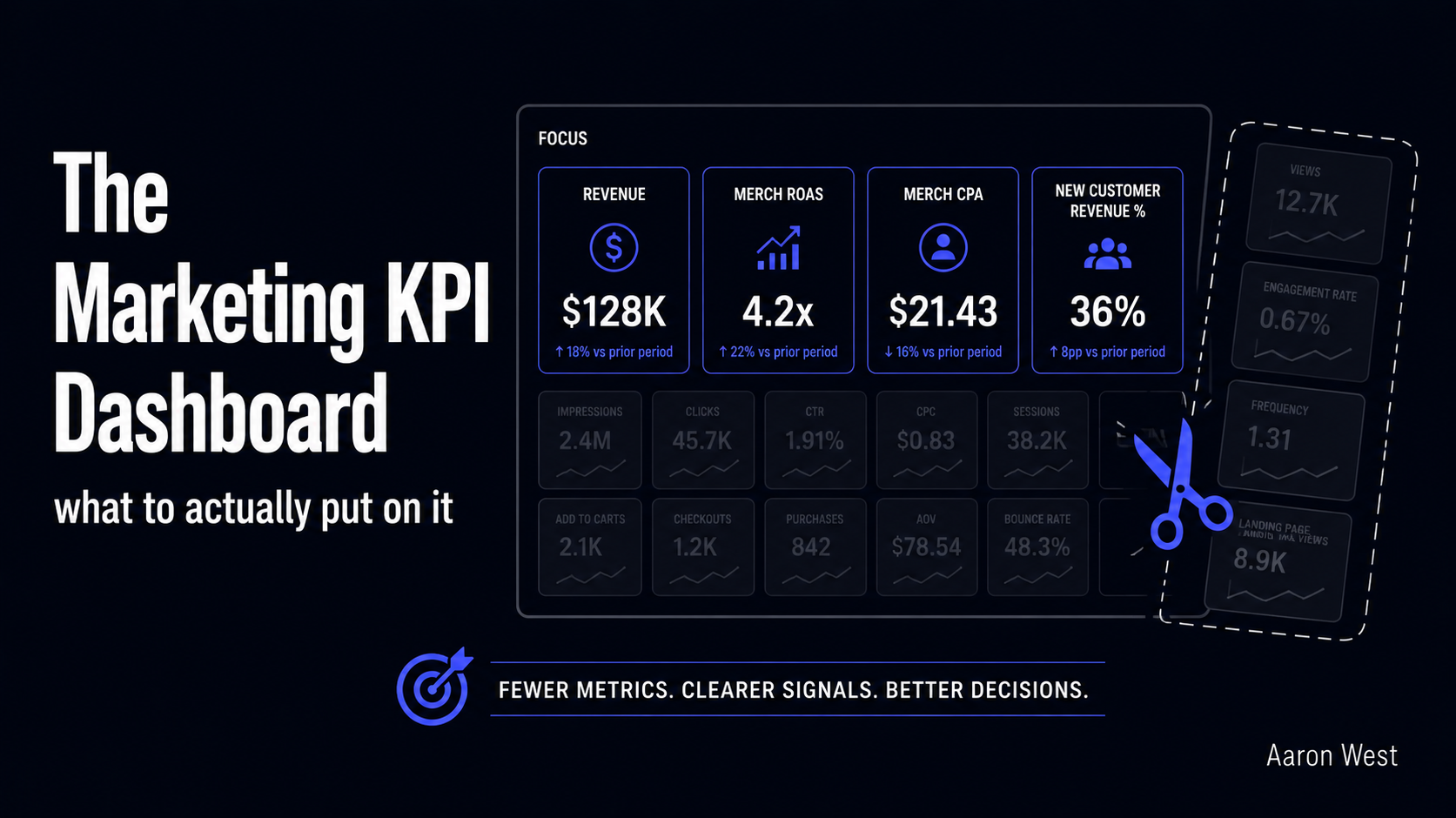
The Marketing KPI Dashboard: What to Actually Put On It
A good marketing dashboard is not the one with the most numbers on it. It is the one that answers a single question fast: what should I do next? Most dashboards fail this test. They are crowded with every metric the tools can produce, impressions,…
Continue reading...