5 Automation Workflows Every E-Commerce Store Should Have

Table of Contents
If you run an online store and you only ever build five automations, build these five. They are not the flashiest. They are the ones that quietly cost you money every day they are missing, and the ones that pay for themselves within weeks.
I want to be precise about what I mean by a workflow, because the word gets thrown around loosely. A workflow is a trigger and a chain of actions. Something happens (the trigger), and the system does a series of things in response (the actions), without a human touching it. "A customer places an order, so the stock count drops and a confirmation email goes out" is a workflow. That is the whole idea. The skill is choosing which ones are worth building, and building them so they fail loudly instead of silently.
These five are the ones I would set up first in almost any store, roughly in the order I would build them.
1. Inventory sync across channels
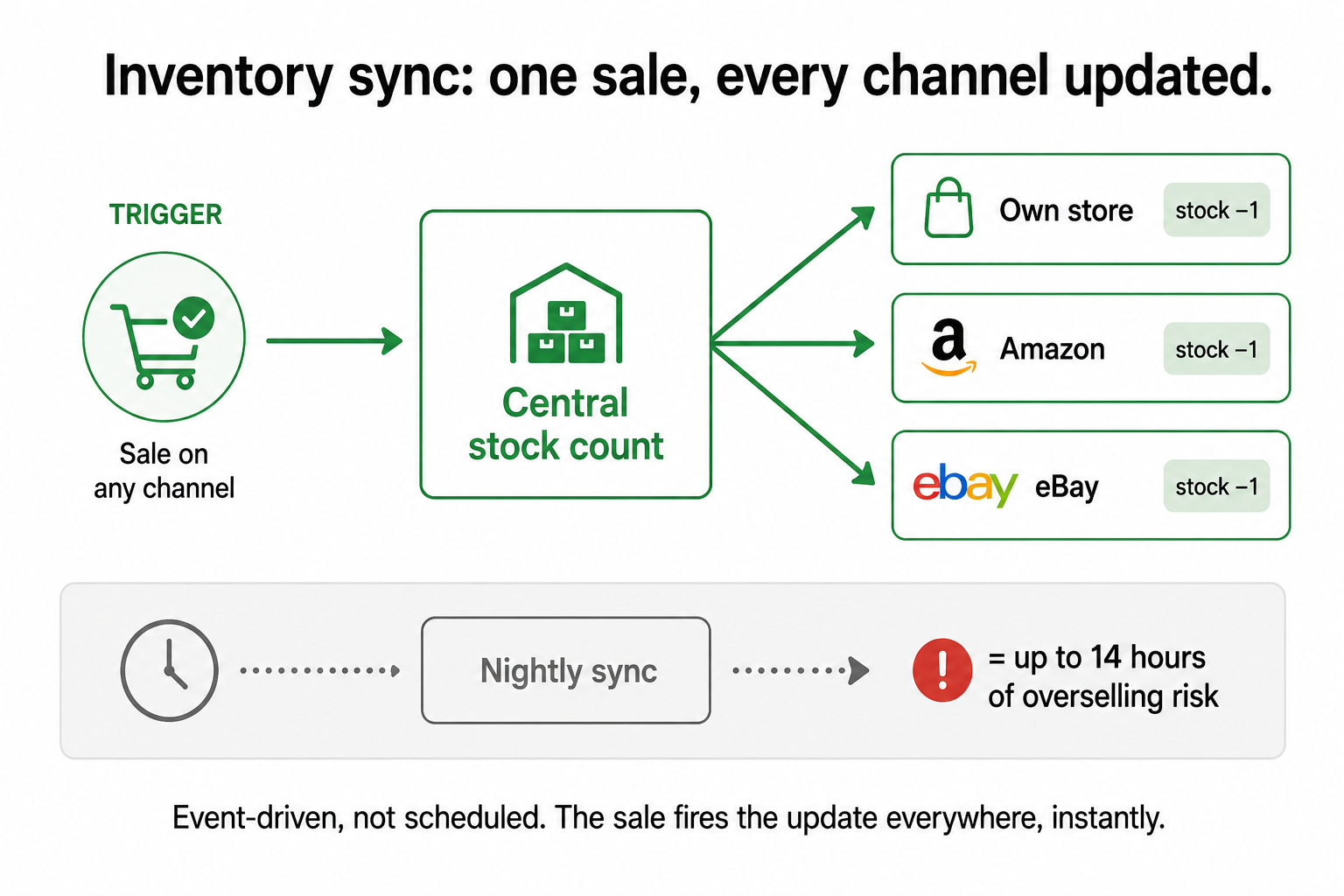
The trigger: a sale happens, anywhere you sell. The job: every other channel's stock count updates immediately.
This is first because it is the one that costs you a sale and a reputation at the same time. If you sell the same product on your own store, Amazon, and eBay, and the channels do not share a live stock count, you will eventually sell the same last unit twice. One of those customers gets a cancellation email instead of a product. In 2026, stock accuracy is not a back-office hygiene task, it is a direct driver of conversion, because back-in-stock demand and accurate availability feed straight into whether a customer trusts you enough to buy.
The mechanism that matters here is that this has to be event-driven, not scheduled. A nightly sync is not good enough. If you sell your last unit at 10am and the other channels only find out at midnight, you have fourteen hours to oversell it. The order event itself has to fire the update, in real time.
Reliable building blocks: a dedicated inventory platform like Cin7, Linnworks, or Extensiv if you are at real multichannel scale, or a Make/Zapier connection between your store and your other channels if you are smaller. Either way, the rule is the same. The sale fires the update everywhere, instantly.
2. Order confirmation and shipping notifications
The trigger: an order is placed, then later, an order ships. The job: the customer is told, automatically, at both moments.
This sounds trivial. It is not, and here is why I rank it second. These messages are the highest-frequency, lowest-variability, zero-judgment communications your store sends. Every single order needs them. They are identical in structure every time. And when they are missing or late, you generate support tickets ("where is my order?") that cost you staff time on top of the silence that worried the customer in the first place.
There is a quieter benefit. A well-timed shipping notification with a working tracking link is one of the cheapest trust-building moments in e-commerce, and it is completely free once automated. The customer who gets a clear "your order is on its way, track it here" message does not email you. That non-event is the return on this workflow, and like most of the best returns from automation, it never shows up as a number on a dashboard.
If you build nothing else from this list, build this one, because it has zero downside and removes a whole category of anxious customer contact.
3. Abandoned cart recovery
The trigger: a customer adds to cart, starts checkout, and leaves without buying. The job: a short, well-timed sequence of reminders brings a meaningful share of them back.
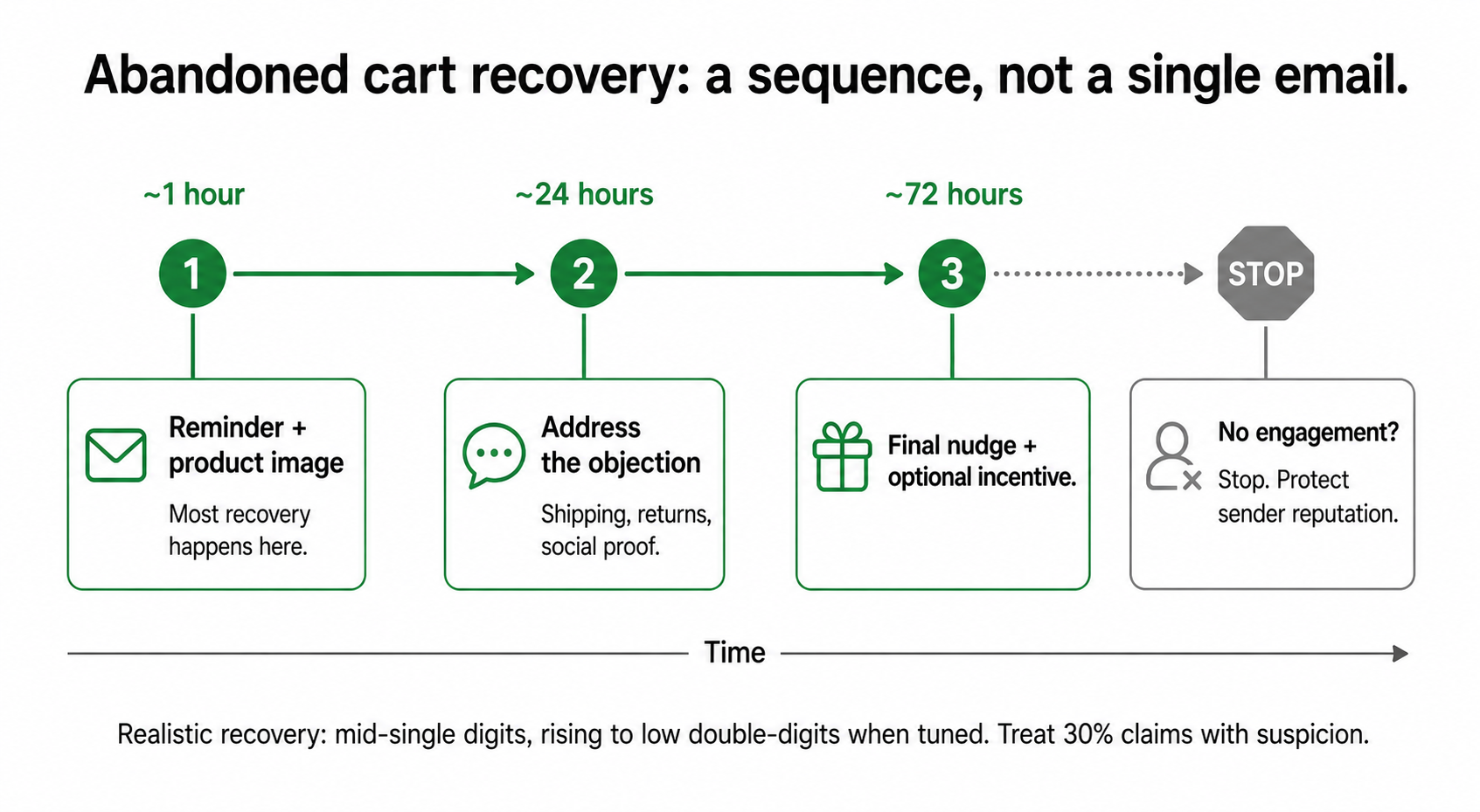
This is the one with the clearest, most measurable revenue attached, which is why it is worth getting right rather than just switching on. The structure that works is a sequence, not a single email:
- Email 1, within about an hour: a simple reminder with the product image. Most of the recovery comes from this one. People get distracted, not just dissuaded.
- Email 2, around 24 hours later: address the objection. Shipping cost, returns policy, a bit of social proof. This is where you answer the reason they hesitated.
- Email 3, around 72 hours later: the final nudge, optionally with a small incentive like free shipping.
Be honest about the numbers here, because this is a space full of inflated claims. Klaviyo's own reported median recovery rate for abandoned cart flows sits around 3.3%. Well-optimised sequences with an SMS channel added can reach into the low double digits, but if a vendor promises you 30% as a baseline, treat it with suspicion. A realistic planning figure is mid-single-digits climbing toward low double-digits as you tune it. Even at the low end, this is revenue you were otherwise leaving on the table entirely.
One discipline that matters: if someone does not engage after the third email, stop. Continuing to email non-responders damages your sender reputation, which quietly hurts the deliverability of every other email you send. More is not better here.
4. Post-purchase review request
The trigger: an order is confirmed delivered. The job: after a sensible delay, ask the customer for a review, once.
Notice the trigger. It is delivery confirmation, not purchase. Asking for a review of a product that has not arrived yet is the kind of small, tone-deaf mistake that automation makes very efficiently if you wire it to the wrong event. Wait until the carrier confirms delivery, then wait a little longer so they have actually used the thing, then ask.
Reviews are not vanity. They are the social proof that converts the next visitor, and they feed the product information that both search engines and AI shopping assistants now read when deciding what to recommend. A store with no reviews is invisible to a growing slice of how people actually shop. This workflow turns your existing happy customers into that proof, automatically, without you remembering to ask.
The same delivery-confirmation trigger is worth reusing. It can also drive a back-in-stock prompt for a related item, or feed a win-back sequence later. One clean event, several useful actions hanging off it.
5. Low-stock reorder alert
The trigger: a product's stock drops below a threshold you set. The job: the right person is told to reorder, with the context to act.
I want to be careful about what this workflow does and does not do, because it is the clearest example of a principle from how I think about automation: you automate the alert, not the decision. The system should not place the purchase order. Deciding how much to reorder, at what price, from which supplier, weighing cash flow and a supplier relationship, is judgment work. It stays human.
What the system should do is make sure the human finds out in time, with everything they need in one message: which product, current stock level, how fast it has been selling lately, and the supplier lead time. The alert turns "we are out of stock and now scrambling" into "we have ten days of cover left, here is the decision to make." That shift, from reacting to deciding, is the entire value.
Set the threshold per product based on how fast it sells and how long it takes to restock, not as one flat number across the catalogue. A product that sells ten a day and takes two weeks to arrive needs a very different trigger point than one that sells one a week.
The thread connecting all five
Look at what these five share. Each one has a clear trigger, runs without judgment, and causes real damage when it is missing. That is the profile of a workflow worth building: high frequency, low judgment, high cost of failure. It is the same test from the cornerstone, applied five times.
And notice they connect to each other. The inventory sync feeds the low-stock alert. The delivery confirmation that triggers the review request can also trigger a back-in-stock prompt. Built well, these are not five separate automations, they are the spine of an operation that runs itself for the routine stuff so you can spend your attention on the parts that actually need a brain.
One last thing, and it is the most important. Every one of these needs a way to tell you when it breaks. An inventory sync that silently stops is worse than no sync at all, because you trust it right up until you oversell. Before you celebrate any of these going live, give each one a monitoring step that pings you the moment it fails. I made the full case for this in the error notification is the workflow. It is thirty minutes of extra build time and it is the difference between an automation you can trust and one that quietly lies to you.
Build these five. Make them fail loudly. Then go do the work only you can do.
A few common questions
Which automation should an e-commerce store build first? Inventory sync across channels, if you sell in more than one place. It is the one that costs you a sale and a customer's trust at the same time. If you sell on a single channel, start with order confirmation and shipping notifications.
How long do these take to build? With a no-code tool like Make and pre-built templates, a single workflow such as an abandoned cart trigger or order-to-CRM sync typically takes one to three hours to build and test. Multi-branch workflows with conditional logic take longer. The step people skip, and regret, is mapping the process before building it.
What is a realistic abandoned cart recovery rate? Plan for mid-single-digit percentages, rising toward low double-digits as you tune the sequence and add an SMS channel. Klaviyo's reported median is around 3.3%. Be sceptical of any tool promising 30% as a default.
Do I need a developer for these? No. All five can be built on no-code platforms like Make, Zapier, or your e-commerce platform's native automation (such as Shopify Flow). Complex multi-channel setups benefit from a dedicated inventory tool, but none of this requires writing code.
You should also read:
What Is RAG (Retrieval-Augmented Generation), and Why Everyone Is Using It
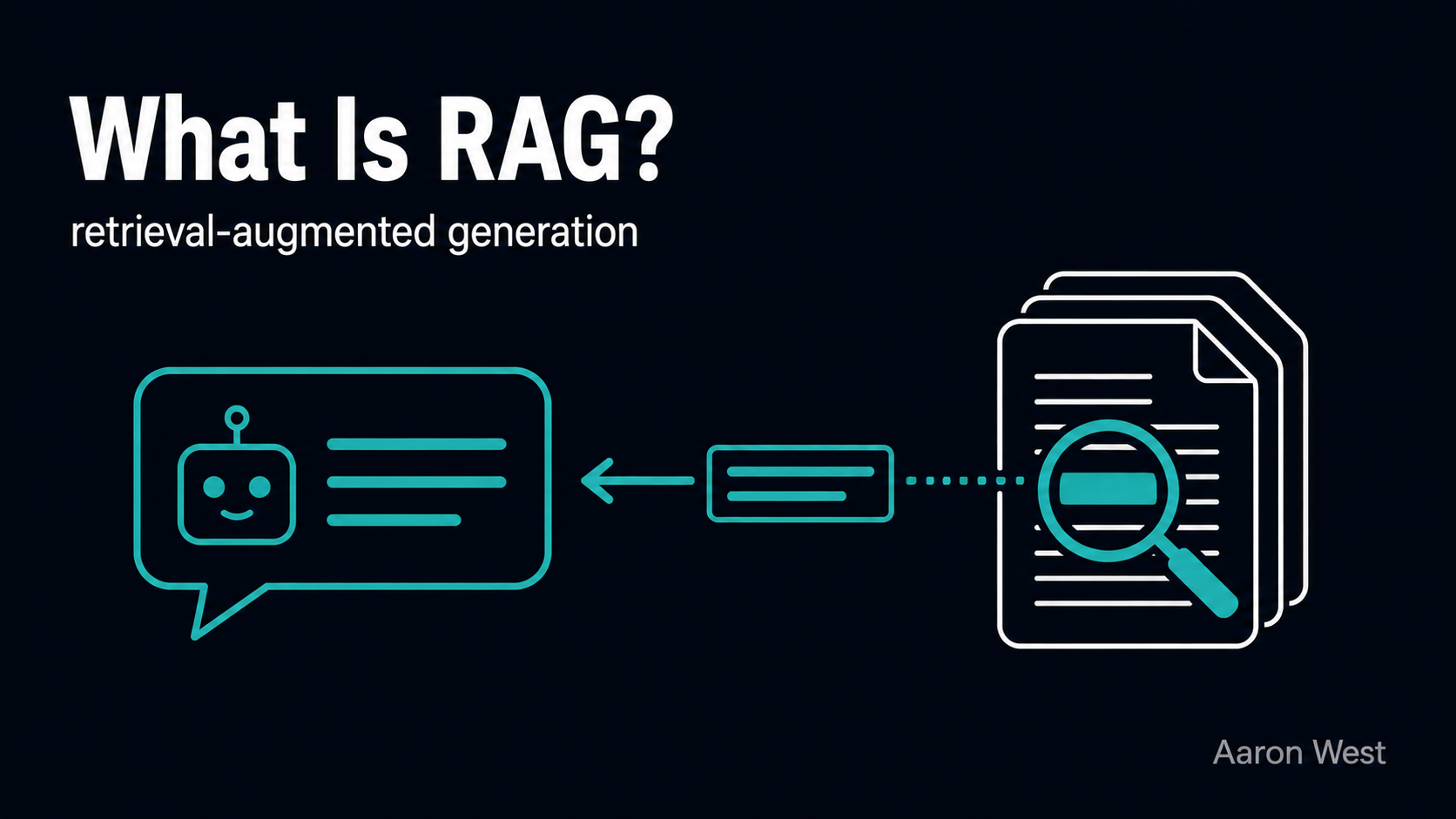
RAG, retrieval-augmented generation, is a way of making an AI model answer from a specific, trusted set of documents instead of relying only on what it absorbed during training. Before the model writes its answer, the system goes and fetches the most relevant material from…
Continue reading...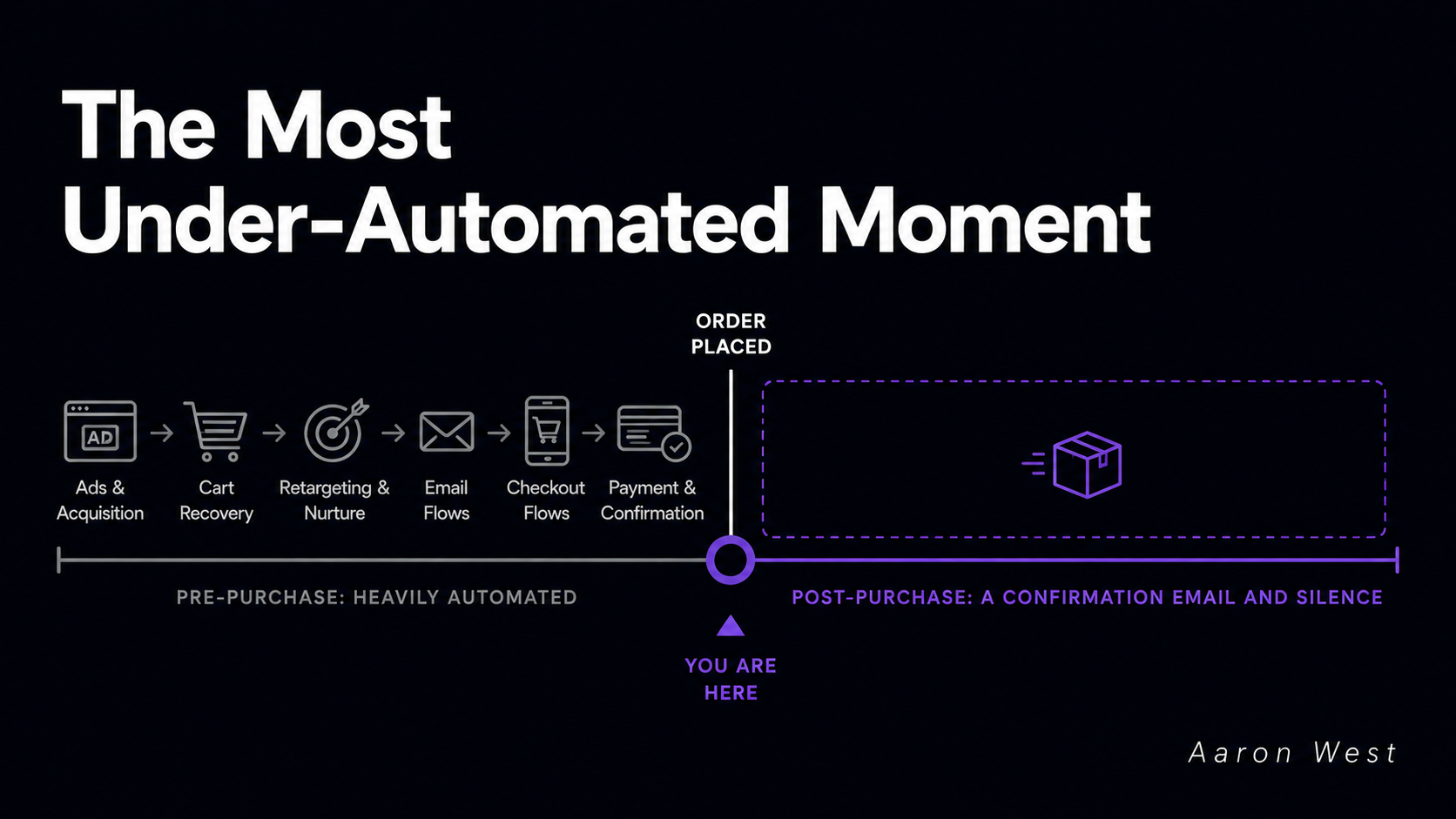
Post-Purchase Is the Most Under-Automated Moment in E-Commerce
Almost every store pours its automation budget into the moment before the sale and abandons the customer the moment after it. Cart recovery, retargeting, checkout nudges, all heavily automated. Then the order goes through, and the experience falls off a cliff into a generic "thanks…
Continue reading...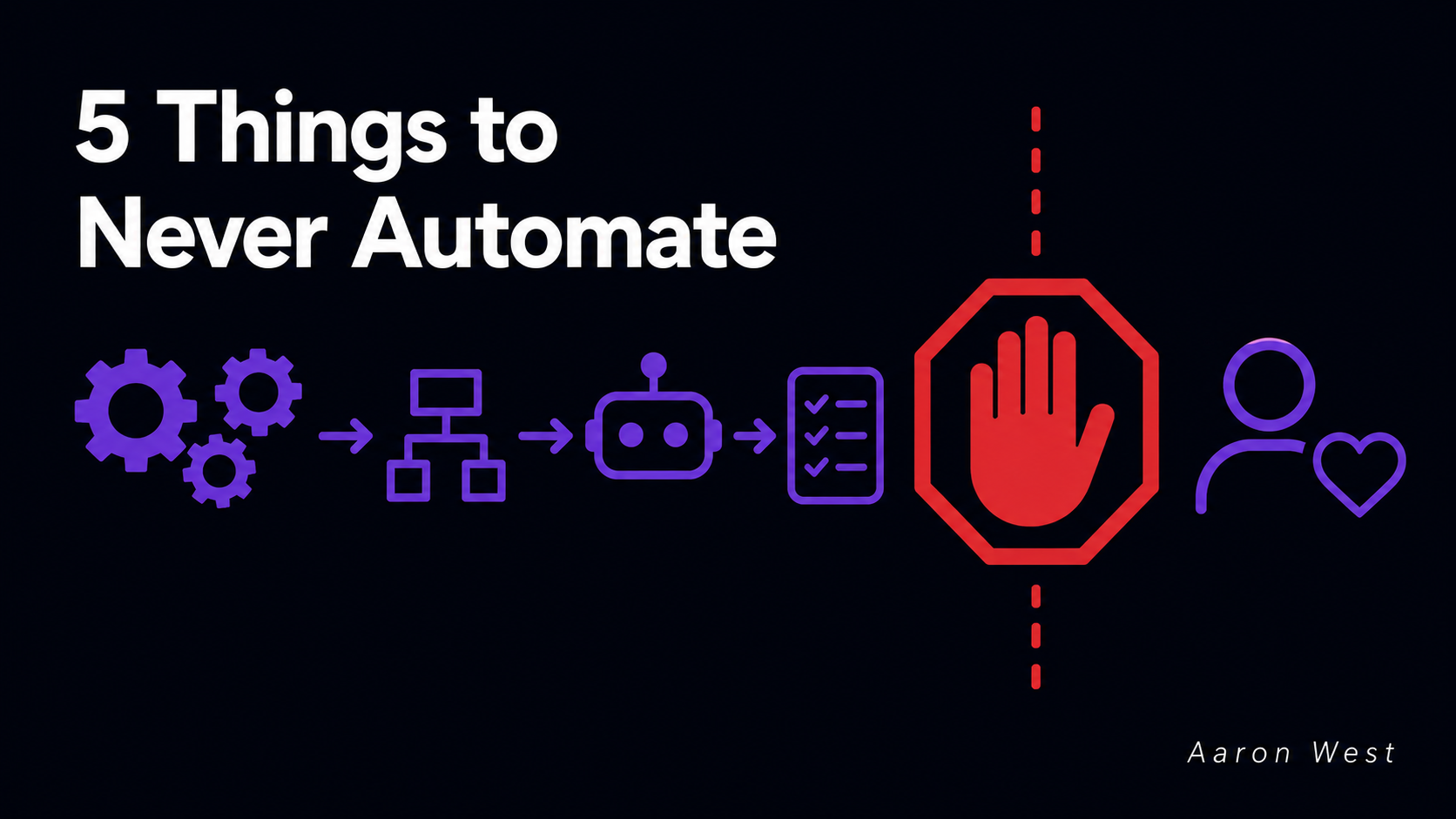
The Five Things You Should Never Automate
Most automation advice is a list of things you should automate. This is the opposite list, and it is more useful, because the expensive mistakes in automation are almost never "we failed to automate something." They are "we automated something we should have left alone."…
Continue reading...