Webhooks, APIs and Triggers: The Three Words You Need Before Automating Anything

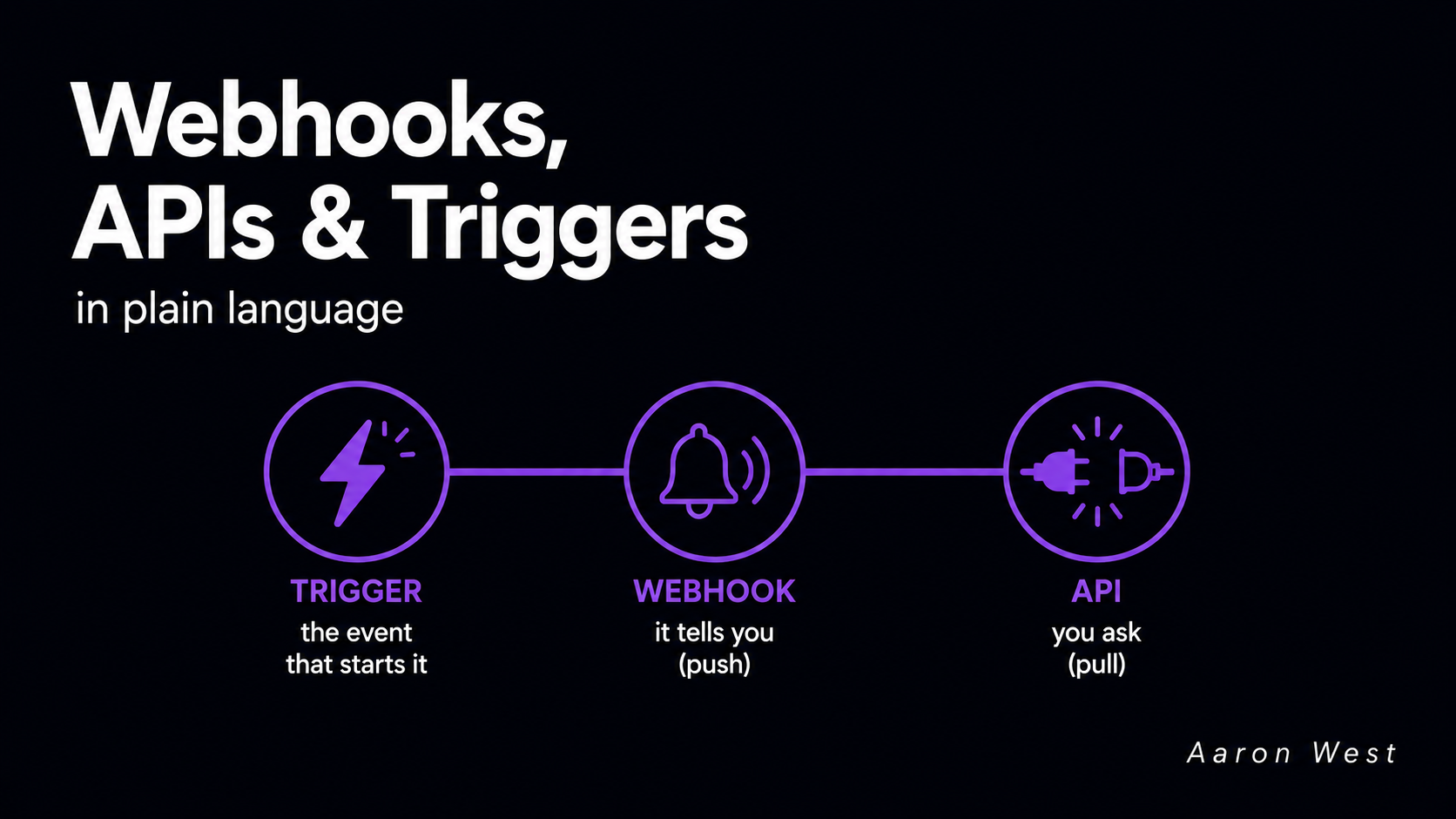
Table of Contents
If you have ever read an automation tutorial and quietly stalled at the words "webhook," "API," and "trigger," this is for you. These three terms sit underneath almost every automation you will ever build, and the jargon makes them sound far more technical than they are. You do not need to be a developer to understand them. You need a clear picture of what each one does and when you reach for it. That is the whole article.
Here is the one-line version to keep in your head: a trigger is the thing that happens, a webhook is how one app instantly tells another that it happened, and an API is how an app asks another app for something or tells it to do something. Triggers start automations. Webhooks push news out. APIs let you reach in and pull. Once those three click, most automation tools stop feeling like magic and start feeling like plumbing, which is exactly what they are.
Let me take them one at a time, in plain language.
An API is how two apps talk
An API (it stands for Application Programming Interface, but the words do not matter) is a defined way for one piece of software to talk to another. Think of it like a waiter in a restaurant. You do not walk into the kitchen and cook your own food. You give the waiter a request from the menu, the waiter takes it to the kitchen, and brings back what you asked for. The API is the waiter: a structured go-between that lets you ask another system for something without needing to know how its kitchen works inside.
In practice, an API is how you pull data or send an instruction on demand. Your automation wants yesterday's orders from your store? It asks the store's API. It wants to create a new customer record in your CRM? It tells the CRM's API to do that. The key feature is that you initiate it. The API sits there waiting, and it responds when you make a request. Nothing happens until you ask.
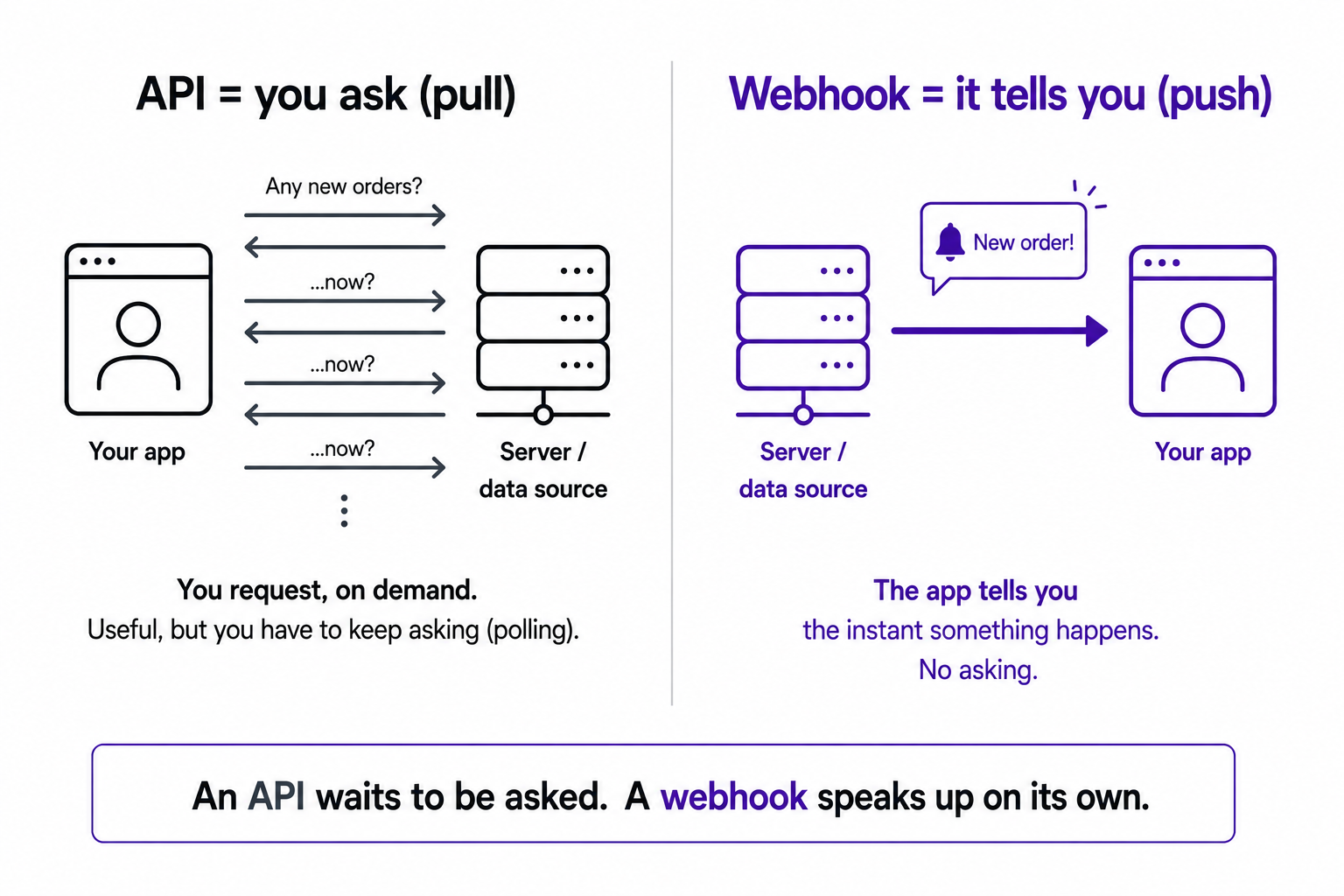
That is also its limitation. If you want to know the moment a new order comes in, an API alone forces you to keep asking, "any new orders? any new orders now? how about now?" over and over. That constant asking is called polling, and it is wasteful. Which is exactly the problem the webhook solves.
A webhook is how an app tells you the instant something happens
A webhook flips the direction around. Instead of you constantly asking an app whether something has happened, the app promises to tell you the moment it does. You give it an address (a URL) to send a message to, and when the agreed event occurs, it fires off a small package of data to that address automatically. No asking required.
The doorbell is the cleanest way to picture it. Without a doorbell, you would have to keep opening the front door to check whether anyone had arrived. That is polling with an API. A doorbell means you can get on with your day, and the moment someone arrives, it rings. That ring is a webhook: an automatic notification that an event happened, sent to you without you checking.
A concrete e-commerce example makes it click. A customer places an order on your store. That order event fires a webhook, which instantly sends the order details to your inventory system, which drops the stock count, which can fire another notification to your shipping team. All of it kicked off the instant the order happened, with nobody polling anything. This is why webhooks are the backbone of real-time automation, and why they pair naturally with the event-driven approach I wrote about in event-driven vs scheduled automation.
The simple rule the documentation everywhere agrees on: if you want to pull data on your own schedule, use an API. If you want data pushed to you the instant something happens, use a webhook.
A trigger is simply the thing that starts it all
Trigger is the least technical of the three, and you have met it already without the label. A trigger is just the event that starts an automation. "When a customer places an order." "When a form is submitted." "When a payment fails." "Every morning at 8am." That starting condition is the trigger.
The reason the word matters is that in any automation tool, the very first thing you set up is the trigger, because everything else hangs off it. The whole structure of an automation is "when this happens, do that." The trigger is the "this." Everything after it is the "that."
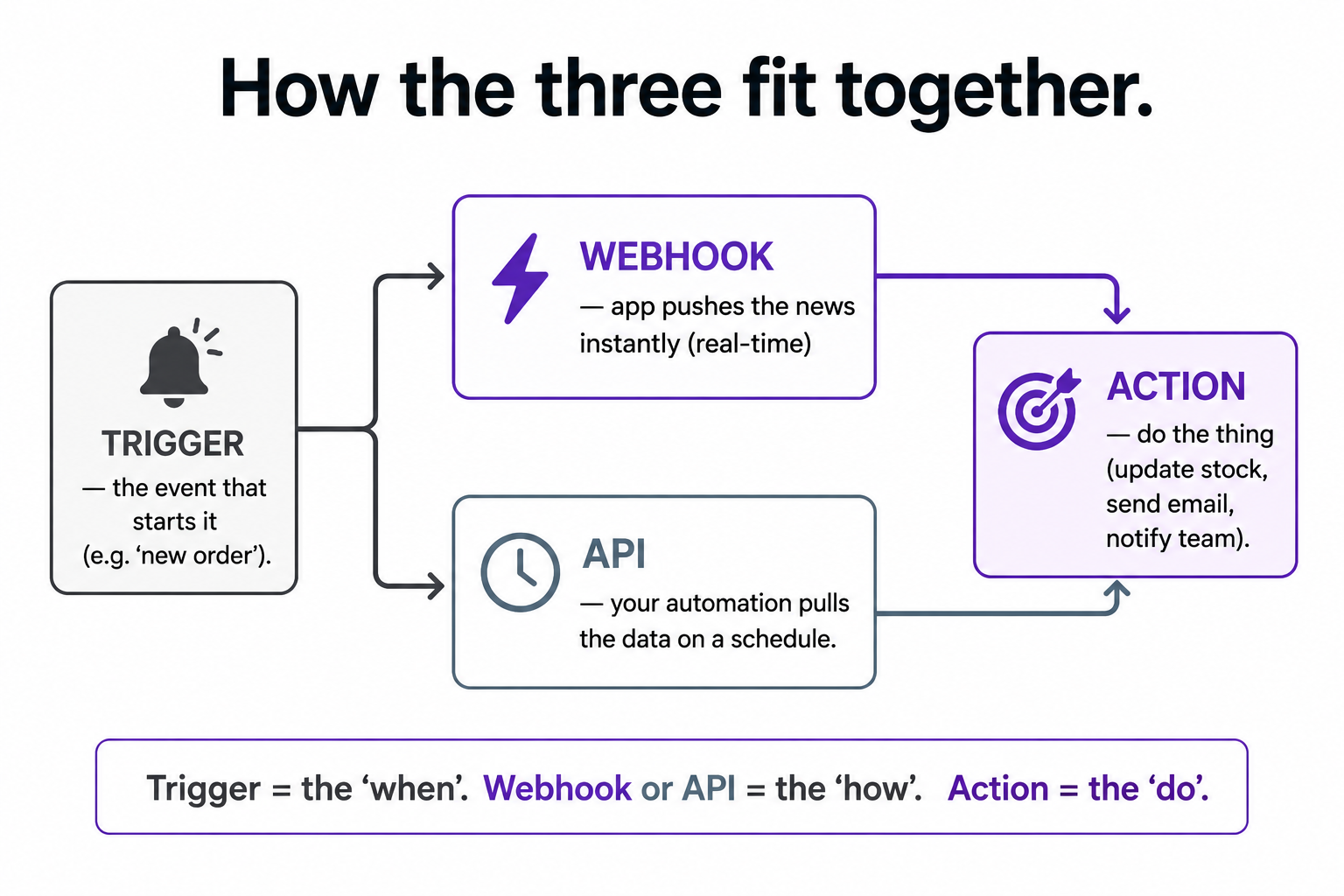
And here the three words connect into one picture. A trigger can be powered by a webhook or by an API. If your trigger is "the instant a new order comes in," that is almost certainly a webhook doing the work, an app pushing you the news in real time. If your trigger is "every morning, check for yesterday's orders," that is an API doing the work, your automation reaching out and pulling the data on a schedule. Same idea, "start when orders happen," but two different mechanisms depending on whether timing matters. That choice between real-time and scheduled is the architecture decision I covered in the event-driven piece, and now you can see the plumbing underneath it.
Why this is worth understanding even if you never write code
You might reasonably ask why any of this matters when no-code tools like Make and Zapier handle the wiring for you. The answer is that these three words are the vocabulary those tools are built in. When Make asks you to choose between a "webhook" trigger and a "scheduled" trigger, that is not a technical footnote, it is the exact real-time-versus-pull decision that determines whether your automation solves the problem or quietly works at the wrong moment. Understanding the words means you make that choice deliberately instead of guessing.
It also means you can read the documentation. Almost every tool you might connect, your store, your email platform, your payment processor, publishes a page listing the webhooks it can send and the API it offers. Once these three words are familiar, that page stops being intimidating and becomes a menu of everything you could automate. You do not need to know how to build the API. You need to know that it exists and what it can hand you.
That is the whole foundation. A trigger is the event that starts things. A webhook is an app pushing you the news in real time. An API is you reaching out to pull data or send an instruction. Three words, one picture, and most of automation stops looking like magic and starts looking like something you can actually design. If you want to see them at work in real examples, the five workflows every store should have are all built from exactly these pieces.
A few common questions
What is the difference between a webhook and an API? An API is how you pull data or send an instruction on demand: you ask, it responds. A webhook is how an app pushes data to you the instant an event happens, with no asking. Rule of thumb: pull data with an API, receive instant notifications with a webhook.
What is a trigger in automation? The event that starts an automation. "When an order is placed," "when a form is submitted," "every morning at 8am." It is the "when" in the "when this happens, do that" structure, and it is the first thing you set up in any automation tool.
Do I need to know how to code to use these? No. No-code tools like Make and Zapier handle the technical wiring. But understanding what a trigger, webhook, and API each do lets you make the real-time-versus-scheduled choice deliberately and read the documentation of tools you want to connect.
When should I use a webhook instead of an API? Use a webhook when you need to know the instant something happens, like a new order or a failed payment, and you want it pushed to you in real time. Use an API when you want to pull data on your own schedule or send a specific instruction on demand.
You should also read:
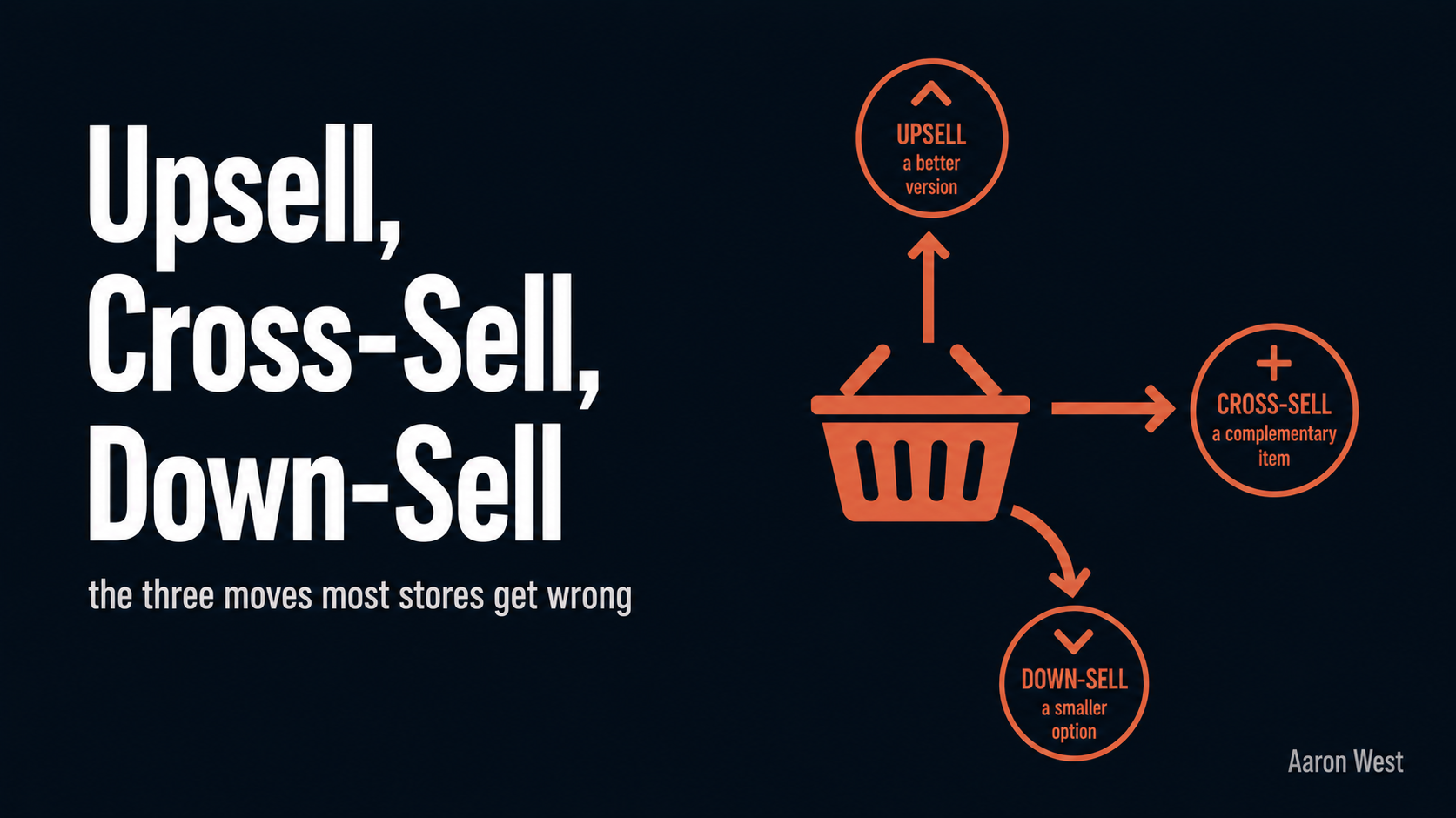
Upsell, Cross-Sell, Down-Sell: The Three Moves Most Stores Get Wrong
Raising the average order value, getting each customer who already chose to buy to spend a little more, is usually the fastest and cheapest way to grow an e-commerce business. You are not paying to acquire anyone or convince anyone, you are making more of…
Continue reading...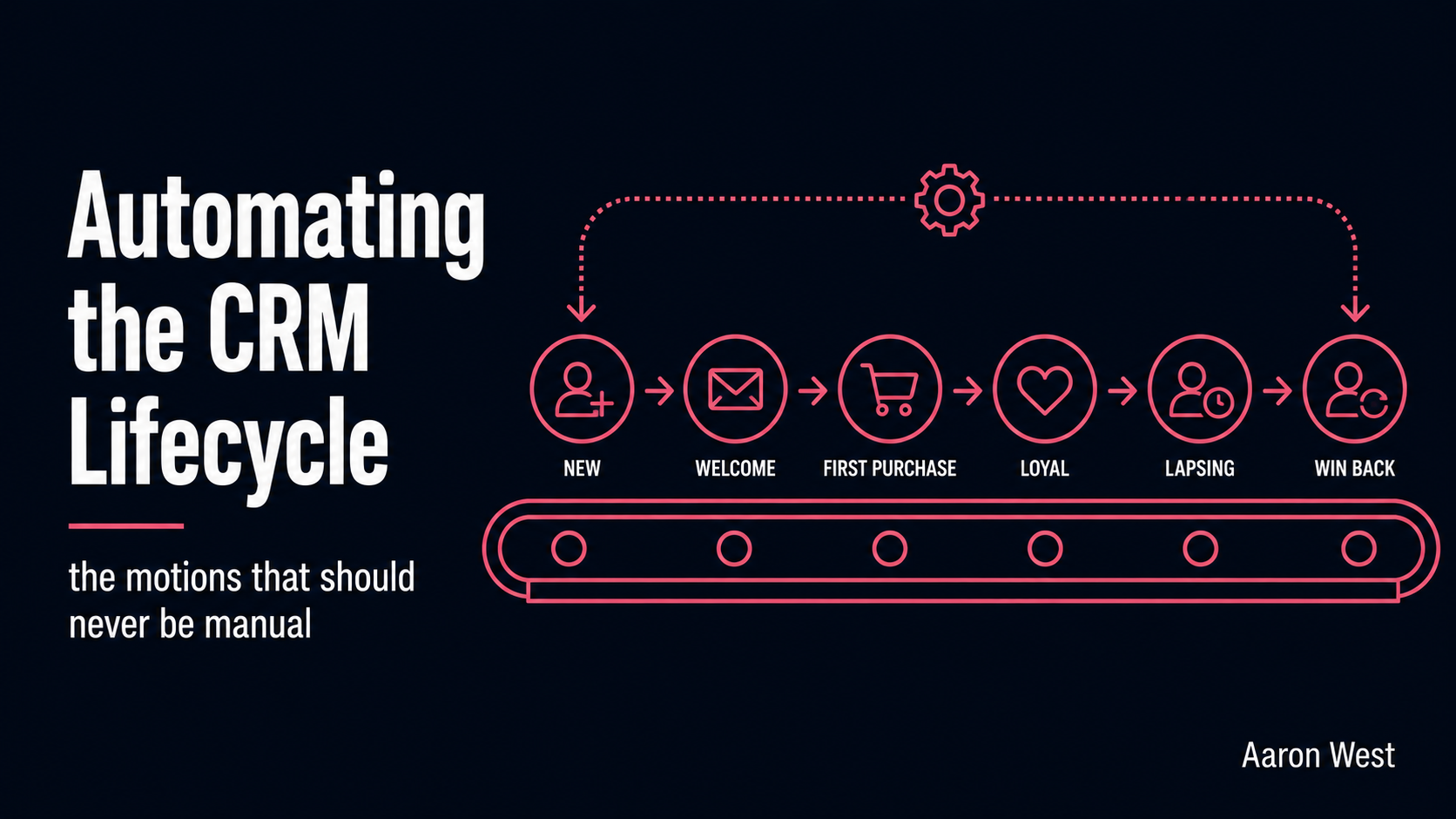
Automating the CRM Lifecycle: The Customer Motions That Should Never Be Manual
The cornerstone of this pillar made one demand that quietly does most of the work: decide what should happen next for each kind of customer, and then do it consistently. That word, consistently, is where almost every retention effort falls apart. The welcome that goes…
Continue reading...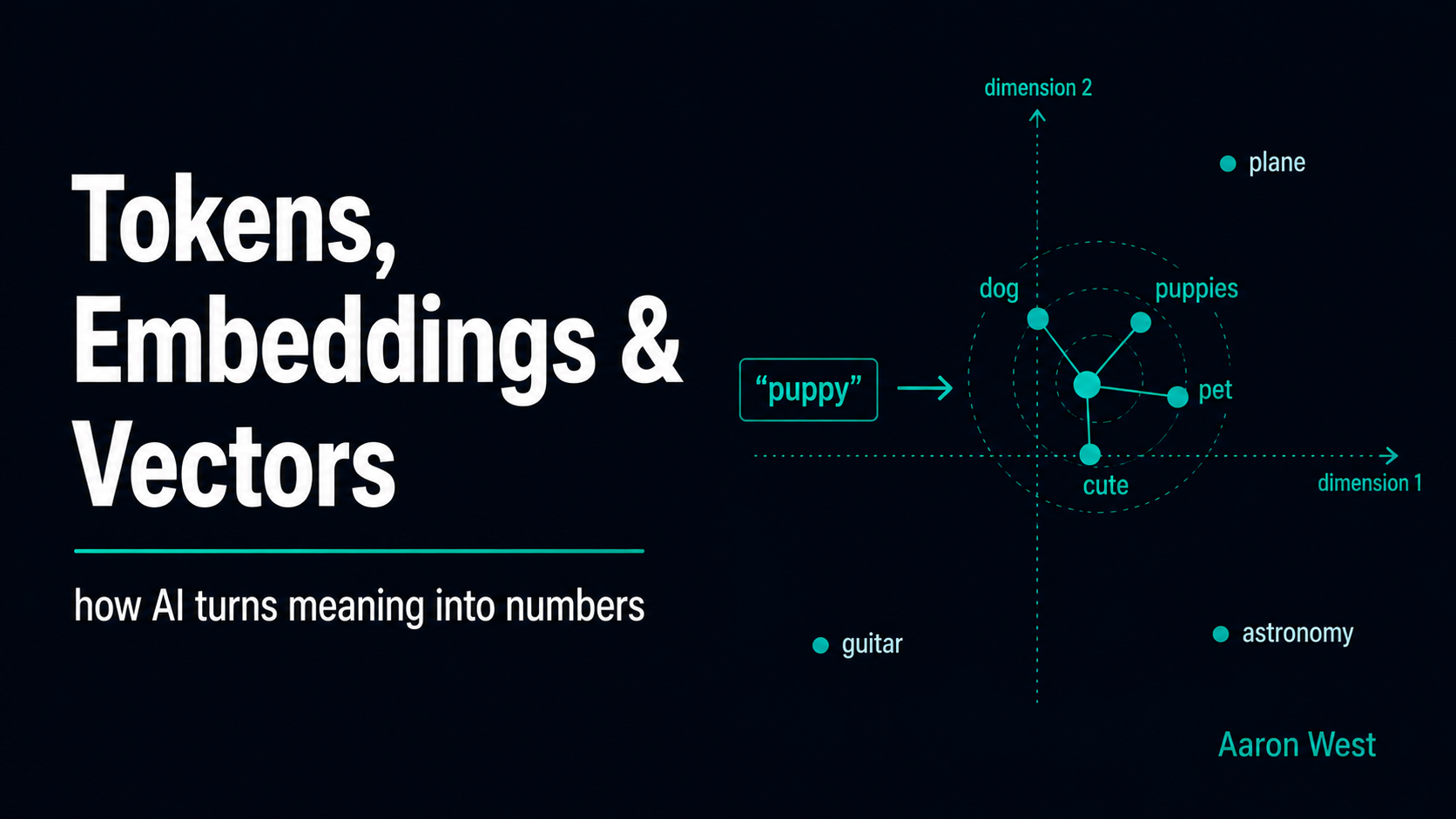
Tokens, Embeddings and Vectors: The Three Ideas Under Modern AI
If you want to understand how an AI model turns your words into something a machine can actually work with, three ideas do almost all of the explaining: tokens, embeddings, and vectors. In one chain: an AI breaks your text into tokens (small chunks), then…
Continue reading...